What is NAT port mode?
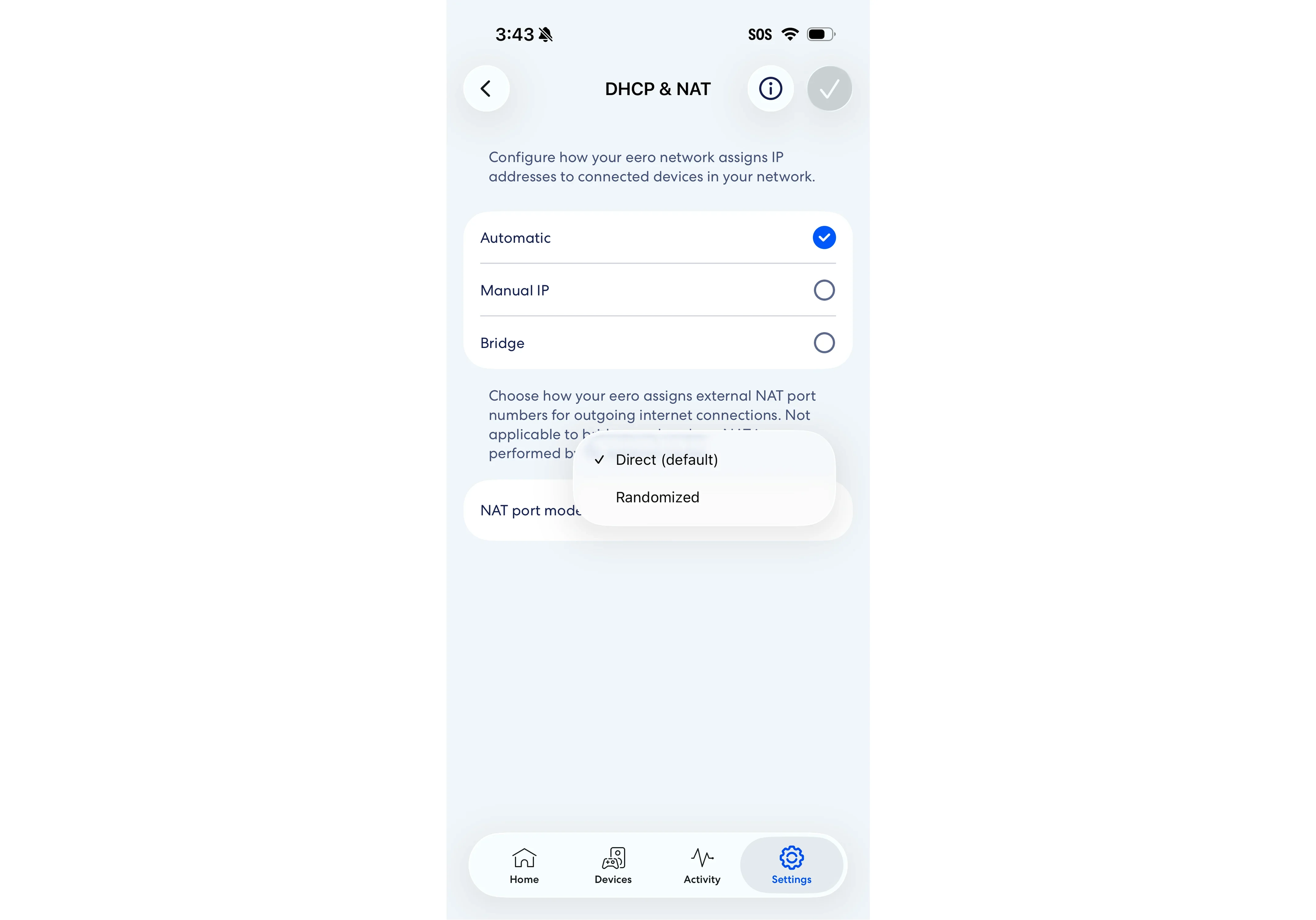
NAT port mode controls how your eero assigns external port numbers for outgoing internet connections. By default, your eero uses the same NAT port numbers internally and externally which provides the widest compatibility with gaming consoles, VoIP services, and peer-to-peer networking applications. With Randomized mode, your eero assigns random external port numbers, which can help protect against port-prediction threats.
To view and configure NAT port mode, you will need:
eeroOS 7.16.1 or later
eero app 26.9.0 or later
Note: NAT port mode applies to your entire network, including all subnets, such as your primary, guest, and business networks.
How do I change my NAT mode?
Open the eero app, and tap Settings.
Tap Advanced networking.
Under Network services, tap DHCP & NAT.
Under NAT Mode, select Direct (default) or Randomized.
Tap the checkmark in the top-right corner to save your changes.
This will cause the network to reboot.
Note: NAT port mode isn't available in bridge mode. In bridge mode, NAT is performed by an external router.
Frequently Asked Questions
