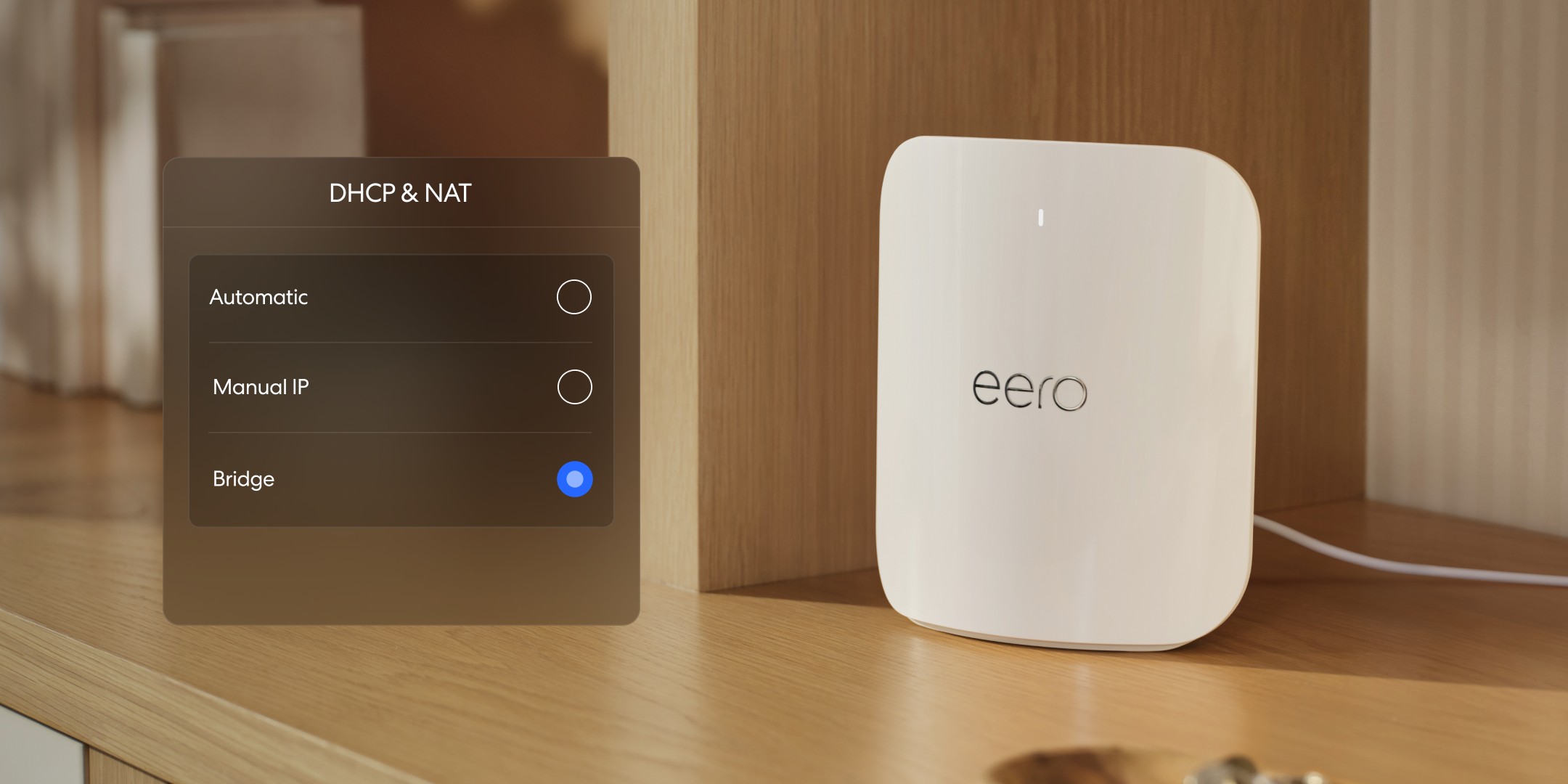
What is bridge mode?
Learn what bridge mode does, when you might need it, and how to enable it on your eero or modem.
What is bridge mode?
Learn what bridge mode does, when you might need it, and how to enable it on your eero or modem.

What is Wi-Fi 7?
Learn what Wi-Fi 7 brings to your eero network and which devices can take advantage of it.
Learn how Mobile Roaming helps keep you connected over wifi when your cellular signal is weak or unavailable.
Learn what "Wifi disabled" means on your eero and what to do if you see it.
Learn how NAT port mode controls how your eero assigns external port numbers for outgoing internet connections.
Learn how to unbridge your eero network.
Learn how Local DNS caching can potentially speed up page loads by storing website address information at the network level.
Learn what hairpin NAT is, how it's automatically enabled, and what you need for it to work.
Explore Wi-Fi 6E's access to the 6 GHz band and what it means for speed and congestion on your eero network.
Learn how wifi channels and channel sizes affect your network speed, range, and performance.
Learn how DFS gives your eero access to less congested 5 GHz channels for better performance.
See the full list of advanced networking features available in the eero app and which require specific configurations.
See how to potentially reduce lag for video calls and gaming by enabling Smart Queue Management on your eero network.
Understand how wifi sends data between your devices, router, and the internet using radio frequencies.
Choose between WPA2, WPA3, or hybrid encryption for each frequency band on your eero network.
With TrueMesh, eero optimizes performance based on your network layout, connected devices, and overall network usage.
Know which features you will lose and which you will keep if you put your eero network into bridge mode.
Configure custom DNS servers on your eero network, with details on how it interacts with eero Plus.
Understand Multi-Link Operation, how Wi-Fi 7 devices use multiple bands simultaneously, and what to expect.
Connect a NAS device to your eero network over Ethernet or wifi, with tips on UPnP and port forwarding.
Understand IPv6, how to enable it on your eero network, and how to find your eero's IPv6 address.
See which eero models support Wi-Fi 6, what the technology improves, and how it works with older devices.
Understand eero's VPN passthrough support and how to get Guardian VPN with eero Plus.
Understand NAT, double NAT, and how to set up your eero when you have an existing router in the mix.
Understand the connection strength indicators in the eero app and what they mean for your eeros and devices.

Choose how you'd like to connect: find contact numbers, international support options, or open a ticket.