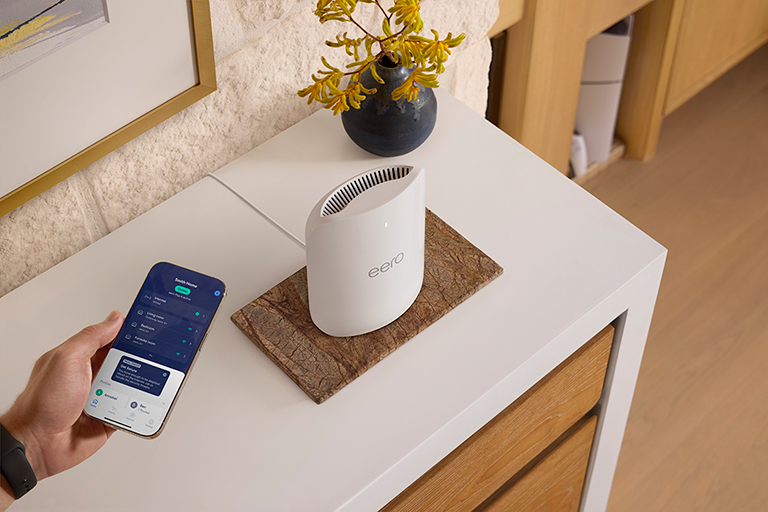
How do I set up eero?
Check what you need for setup and follow the step-by-step process to get your eero network online.
How do I set up eero?
Check what you need for setup and follow the step-by-step process to get your eero network online.
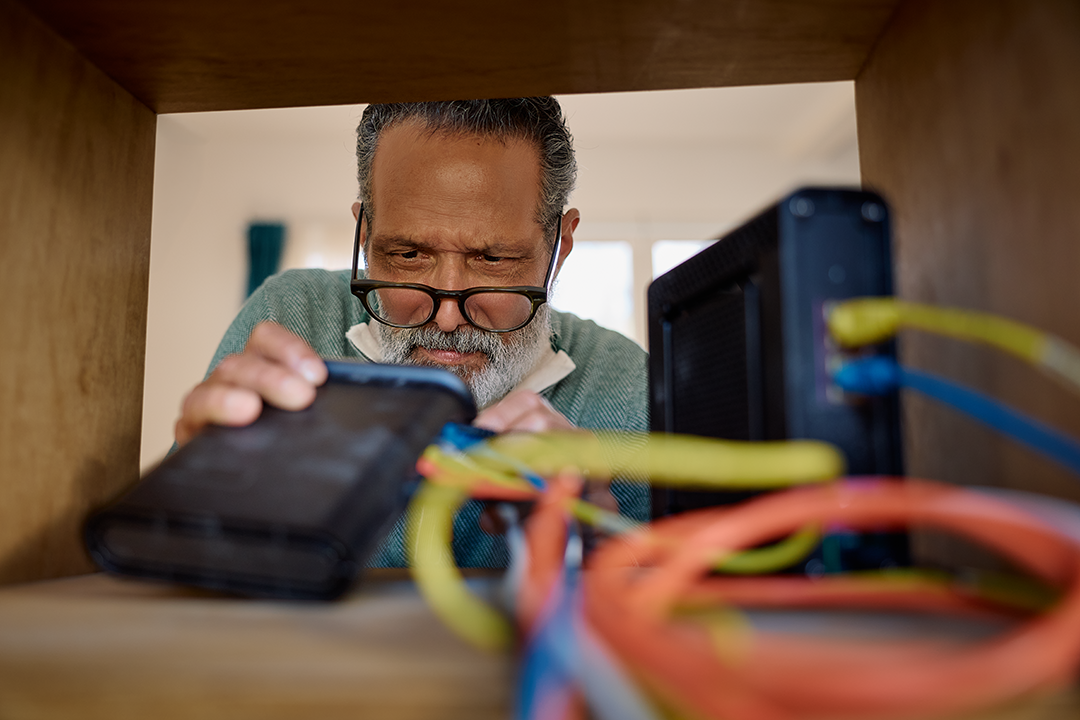
Can I use eero with my current ISP or modem?
Find out if your internet service provider is compatible with eero and what to do if it requires special settings.
Find out if your internet service provider is compatible with eero and what to do if it requires special settings.
Keep your eeros within 50 feet of each other for the best wireless mesh performance.
Identify your Internet Service Provider, understand what they do, and know when to contact them about your connection.
Understand how mesh wifi works and why multiple connected routers outperform a single traditional router.
Learn how eero Simple Setup automatically adds eeros to your existing network when you connect them via Ethernet.
Learn how to disable your existing router's wifi broadcast so it doesn't interfere with your eero network.
Add new eeros to expand coverage, replace old ones, or remove eeros you no longer need.
Create and switch between multiple eero networks under a single account using the eero app.
Check the device and internet requirements before you start setting up your eero network.
Add more wired connections to your eero network using an Ethernet switch or the eero PoE Gateway.
Get general steps for putting your modem/router combo in bridge mode so eero can handle your network.
Understand the difference between a modem and a router, and where eero fits into your network setup.
Clarify the difference between eero and your ISP, and what each one handles in your home network.
Learn how eero replaces your router and what options you have if you need to keep your existing one.
Place your eeros anywhere within range of each other. Line of sight helps but isn't required.
Find out if you can reuse your wifi name and password across multiple eero networks, and what to watch out for.
Find out what types of internet connections work with eero and why wireless-only hotspots aren't compatible.
Move your wireless eeros to new spots anytime without reconfiguring. Just keep your gateway plugged in.
Learn how to connect your eeros through Ethernet backhaul.
Get placement tips: ideal distances between eeros, where to avoid putting them, and how to cover tricky spots.

Choose how you'd like to connect: find contact numbers, international support options, or open a ticket.