What is Alexa for eero?
Alexa for eero brings an Alexa experience to your eero network, including smart troubleshooting capabilities in the eero app on any Echo Family Device. Link your Amazon account to your eero account to get started.
What can Alexa for eero do?
In the eero app
When you link your Amazon account with your eero account, you have the option to have the smart troubleshooting experience in the Support tab be powered by Alexa. It can help with the eero network and service-related troubleshooting as well as the things you normally ask Alexa. For example:
Check your network health - see if your internet is up, spot outages, and find what's slowing things down
Troubleshoot devices - figure out why a phone, TV, or smart gadget won't connect or keeps dropping
Run speed and latency tests - measure what your network is actually doing right now
Check your eero devices - see if any are offline, need a firmware update, or could use better placement
Help with settings - guest networks, Parental Controls, security, and finding things in the app
Answer eero questions - setup, compatibility, and more
The full range of Alexa-enabled capabilities: weather, shopping lists, jokes, etc.
How do I get started?
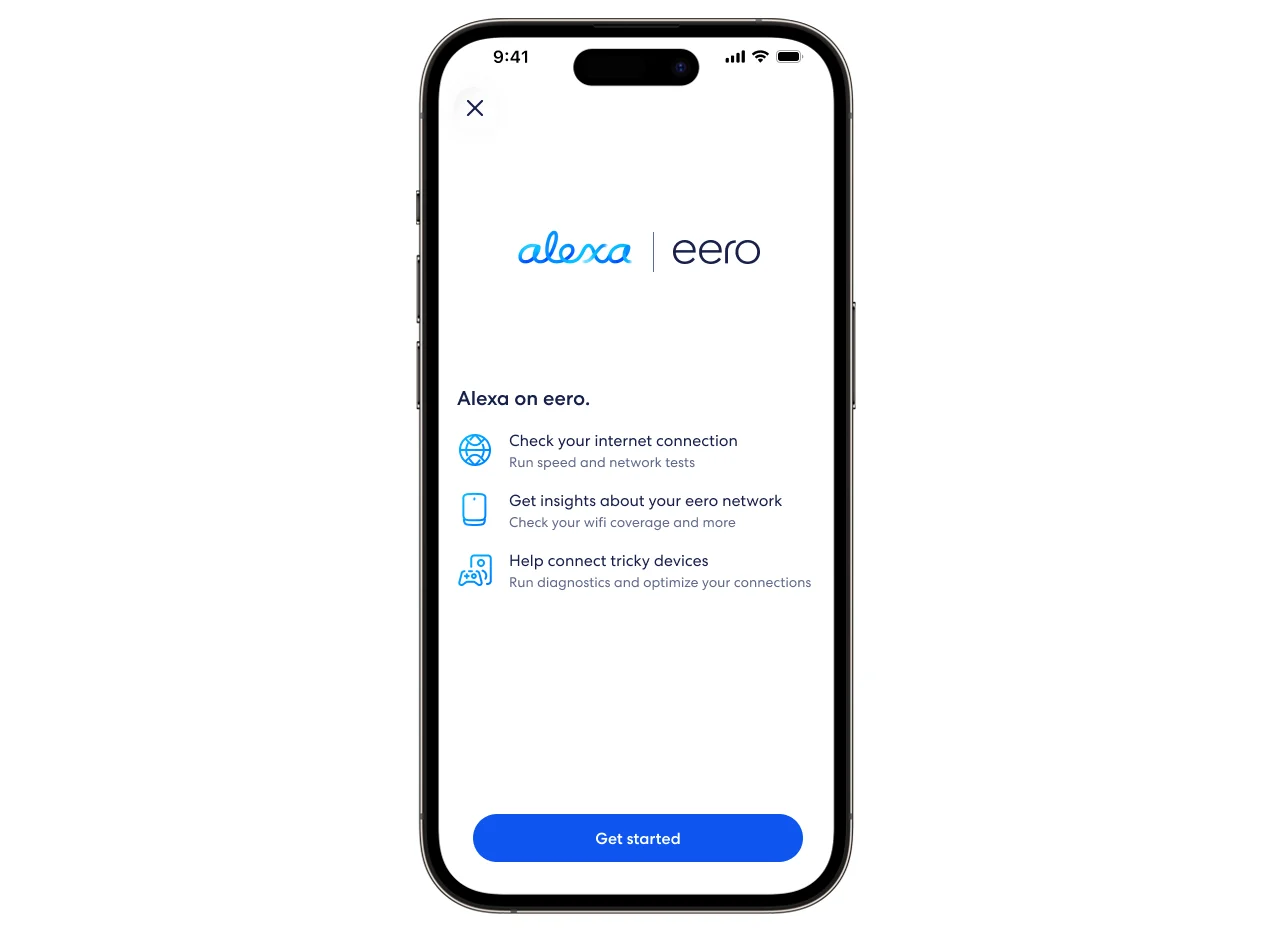
If you haven't linked your Amazon account yet, you can do so when you first open the  Support tab or in Settings. The app walks you through linking your account, viewing the Amazon privacy notice, and accepting the Alexa Terms of Use.
To learn more about linking your Amazon account, see What is Amazon Connected Home?
You can also turn Alexa for eero on in the Settings tab:
Open the eero app, and tap Settings.
Tap Integrations.
Turn on the Alexa for eero toggle.
How do I manage my data or turn off Alexa for eero?
You can control whether your eero network data is shared with Alexa and turn off the Alexa-branded experience at any time. To learn more, see How do I manage my data with Alexa for eero?
Requirements
eero app
Android: v26.12.1 or later
iOS: v26.12.2 or later
An Amazon account connected to your eero app
Available in the US (English only)
Frequently Asked Questions

Get the support you need
Choose how you'd like to connect: find contact numbers, international support options, or open a ticket.