What is the Support tab?
The Support tab  n the eero app is where you go for help with your wifi network. What you see in the Support tab depends on your region and account setup. If your eero account is linked to your Amazon account, you’ll have an experience that includes Alexa capabilities, if not, you will have an eero-only experience focused on your eero network and services.
In the US, the Support tab includes smart troubleshooting that lets you ask eero for help with your wifi issues in your own words. The eero app runs real-time diagnostics on your network, identifies what may be causing the problem, and can help fix it as appropriate. You can also get answers about your eero network and reach eero Support, all through a text-based conversation.
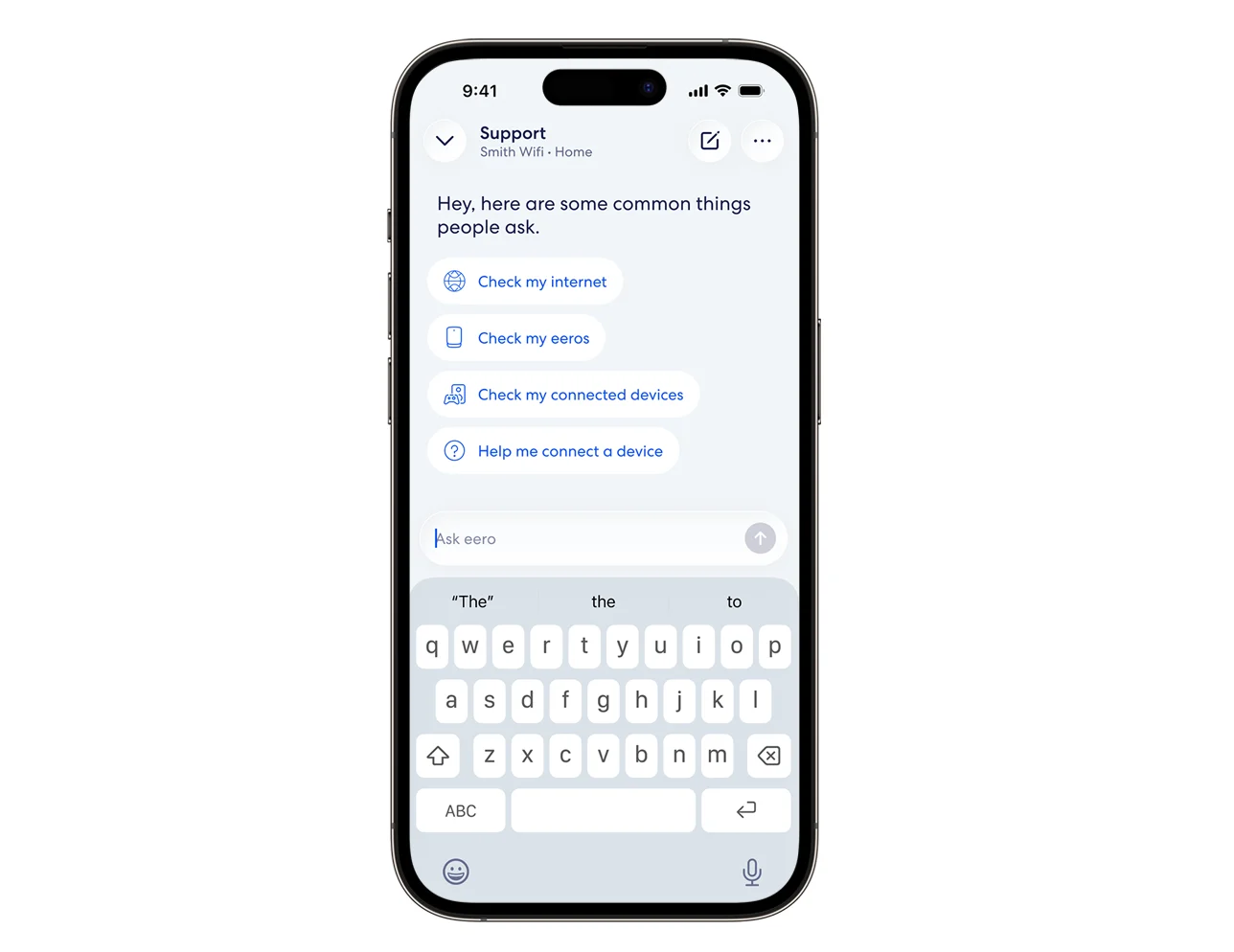
You can:
Check your network health - see if your internet is up, spot outages, and find what's slowing things down
Troubleshoot devices - figure out why a phone, TV, or smart gadget won't connect or keeps dropping
Run speed and latency tests - measure what your network is actually doing right now
Check your eeros - see if any are offline, need a firmware update, or could use better placement
Help with capabilities and settings - guest networks, parental controls, security, and finding things in the app
Answer eero product questions - setup, compatibility with your internet provider's gear, and more
To use smart troubleshooting, you need:
eero app
Android: v26.12.1 or later
iOS: v26.12.2 or later
A US-based eero network
Note: If you have an Amazon account connected to your eero app, your Support tab experience is powered by Alexa for eero. See the Alexa for eero section below for details.
Alexa for eero
If you have linked your Amazon account with your eero account, your Support tab experience is powered by Alexa for eero  . In addition to smart troubleshooting for your eero network and general eero questions, you get the Alexa experience, including Alexa questions in the eero app. For more information about Alexa for eero capabilities and how-to use them, see What is Alexa for eero?
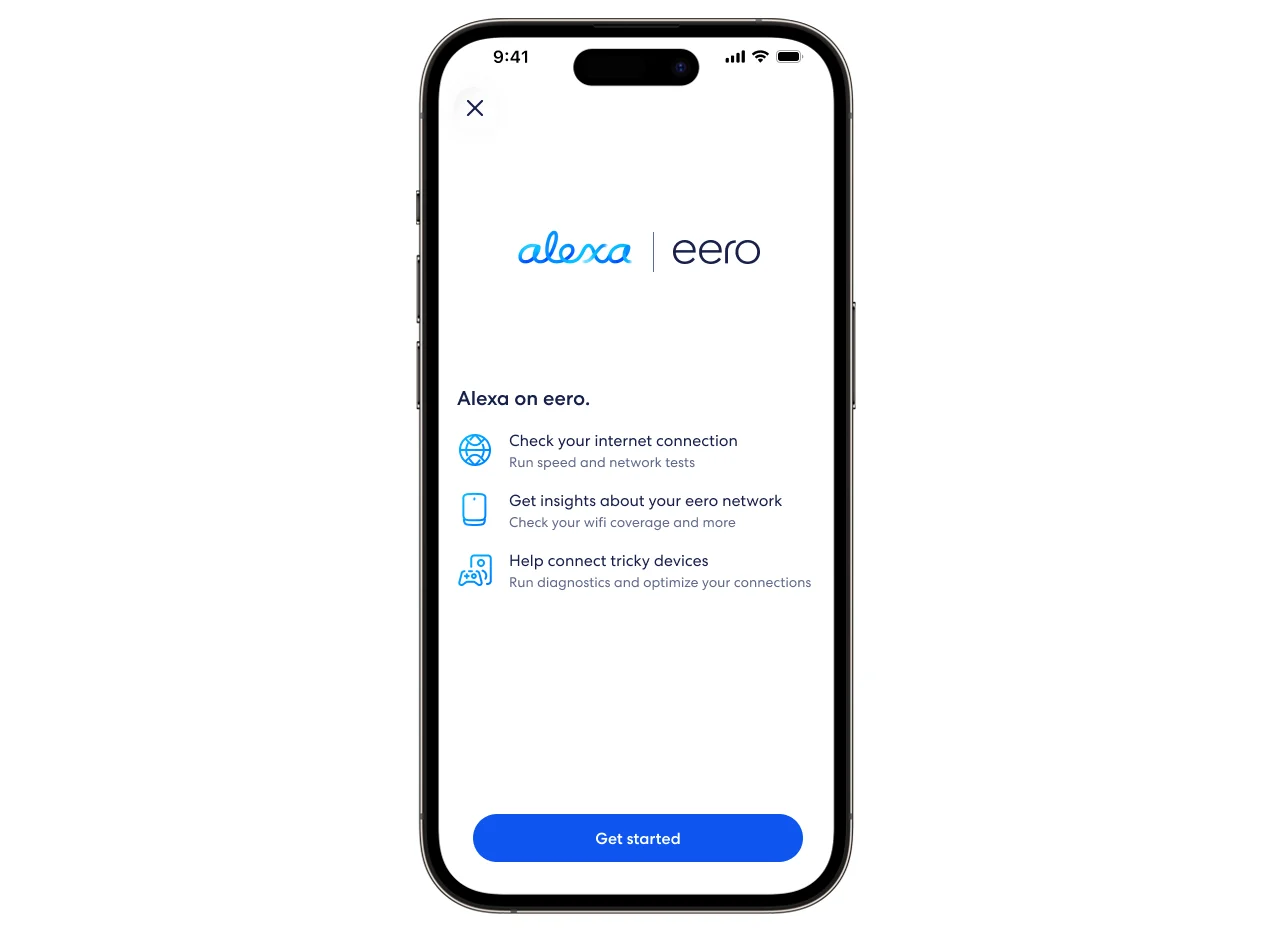
To use Alexa for eero, you need:
eero app
Android: v26.12.1 or later
iOS: v26.12.2 or later
A US-based eero network
An Amazon account linked with your eero app
If you haven't linked your Amazon account yet, you can do so when you first open the Support tab or in the Settings tab under Integrations. The app walks you through linking your account and getting started. To learn more, see What is Amazon Connected Home?
Troubleshooting tools
If smart troubleshooting isn't available in your region, the Support tab shows self-service troubleshooting tools and ways to contact eero Support. These include:
Connect 2.4 GHz only devices
Connect devices that can't detect Wi-Fi 6
Restart network
Scan wifi coverage
Status light colors
Upgrade report
You can reach eero Support directly from this screen through the Support Center, email, or phone.
Frequently Asked Questions
Get the support you need
Choose how you'd like to connect: find contact numbers, international support options, or open a ticket.