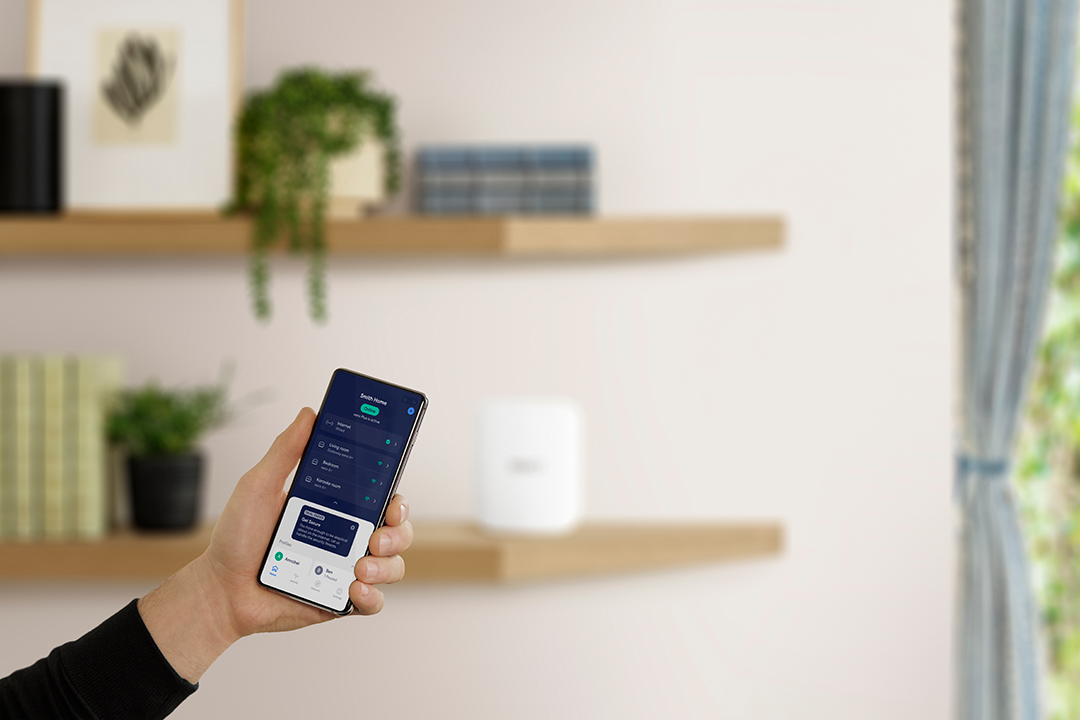
What is the eero App?
Check the requirements for the eero app, how to download it, and what to do if you're having issues.
What is the eero App?
Check the requirements for the eero app, how to download it, and what to do if you're having issues.
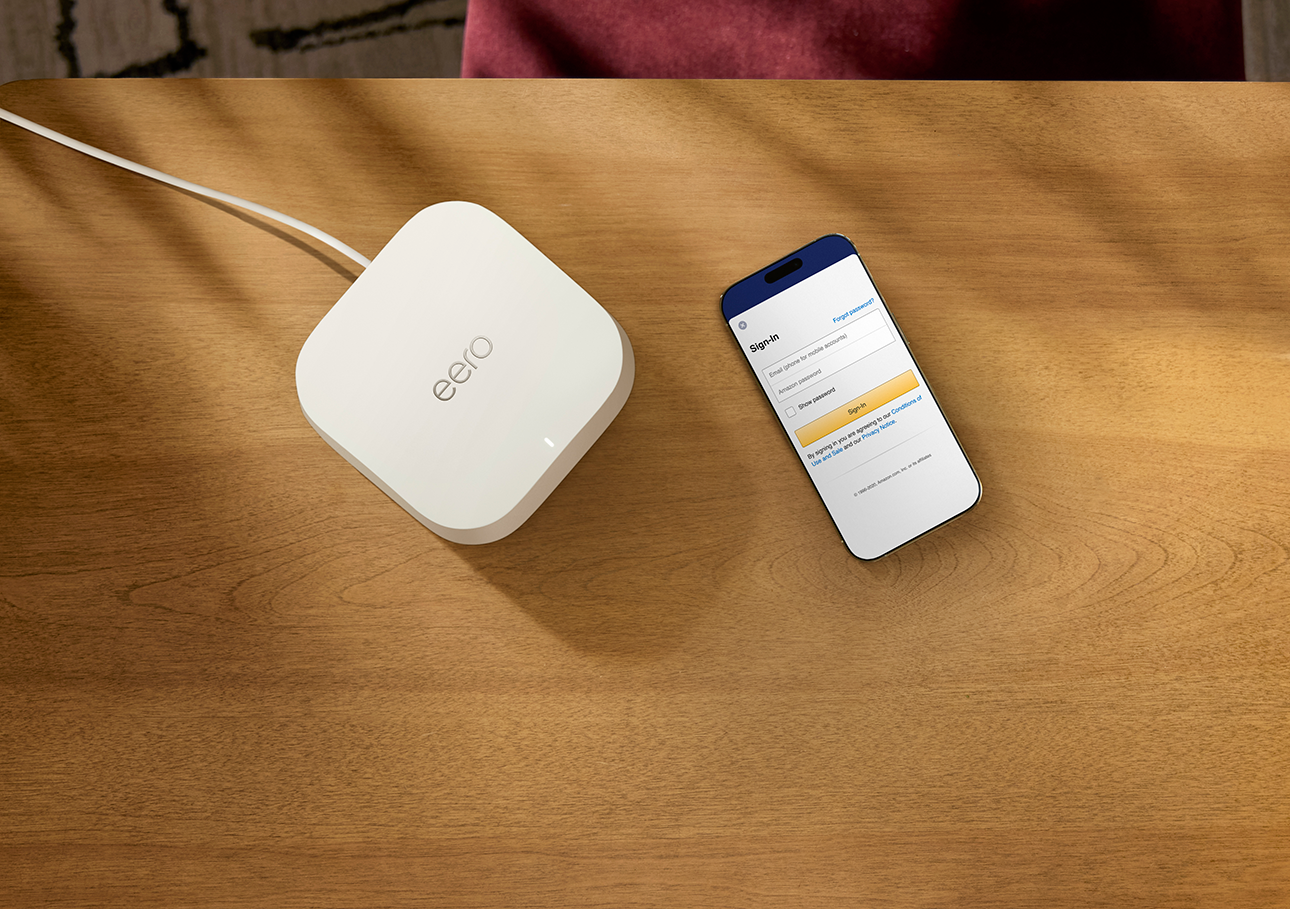
How do I use my Amazon login with eero?
Learn how to sign in to the eero app with your Amazon account and access connected home features.
Sign in to the eero app using a verification code. No username or password needed.
Learn what the Support tab includes and how to access troubleshooting tools in the eero app.
Find out how to log into the eero app on a new mobile device.
Find out our hours of operation and support numbers by region.
Find out where everything from the Activity tab moved in the latest version of the eero app.
Choose which push notifications you want in the eero app about devices, updates, and network changes.
Manage your login method, subscription, and account details from the Account settings page.
Tour the eero app's four main tabs and what each one offers.
Navigate the Home tab, your network overview showing status, devices, Profiles, and security at a glance.
Browse all connected devices, check their signal strength, and manage connections from the Devices tab.
Explore everything you can adjust in the eero app Settings tab, from wifi name to IP configuration.
See all the advanced networking options available in the eero app and when you would want to change them.
Learn how to log in to your eero account without a password. Just a code sent to your phone or email.
See what data is shared between eero and Amazon when you link accounts, and how to unlink if needed.
Update the phone number or email address associated with your eero account in a few taps.

Choose how you'd like to connect: find contact numbers, international support options, or open a ticket.