Add a free trial of – online security and privacy, identity protection, and advanced parental controls at your fingertips.
30-day returns
Free support
Free shipping
1-year warranty
Experience speeds up to a gigabit
Enough bandwidth for 75+ connected devices and covers up to 6,000 sq. ft.
Built-in Zigbee smart home hub
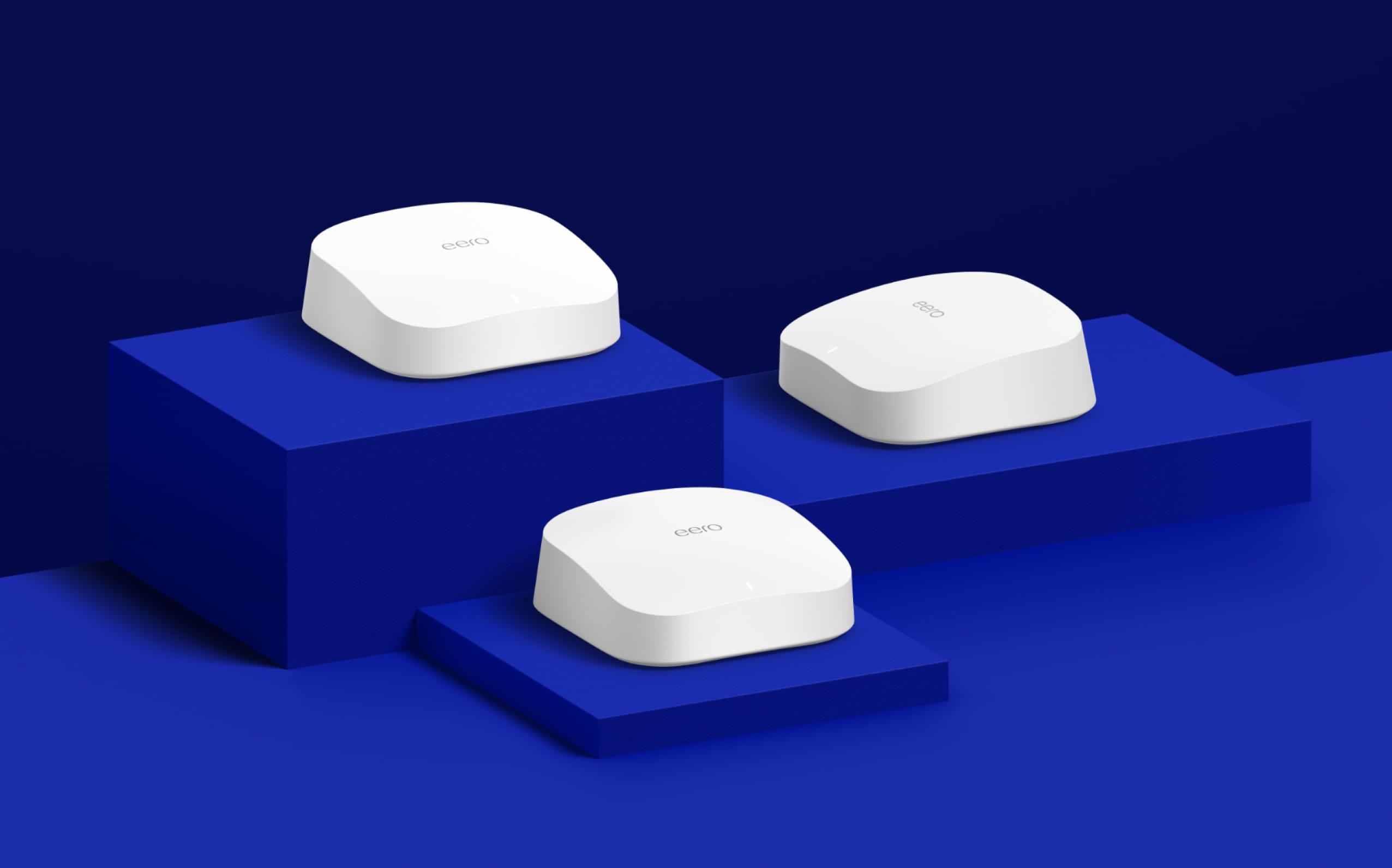
eero Pro 6 (3-pack)
$399.99
Gigabit
Supports speeds up to a gigabit on this mesh wifi system.
Wi-Fi 6
Wi-Fi 6 brings fast connectivity to every room in your home.
Tri-band
Enough bandwidth to support 75+ connected devices.
Unlock your wifi's potential.
eero Pro 6 features a built-in Zigbee smart home hub, making it easy to connect compatible devices with Alexa. So you can control certain lights, locks, plugs, and more—without the need to buy separate smart home hubs for each.
Premium Wi-Fi 6 performance supports gigabit speeds for your connected home.
Why Wi-Fi 6 eero Pro 6 uses the power of Wi-Fi 6 to support faster speeds to every corner of your space, increase your internet's efficiency, and reduce network congestion compared to prior Wi-Fi standards.
Easily expand your system With cross-compatible hardware, you can easily add eero products as your needs change.
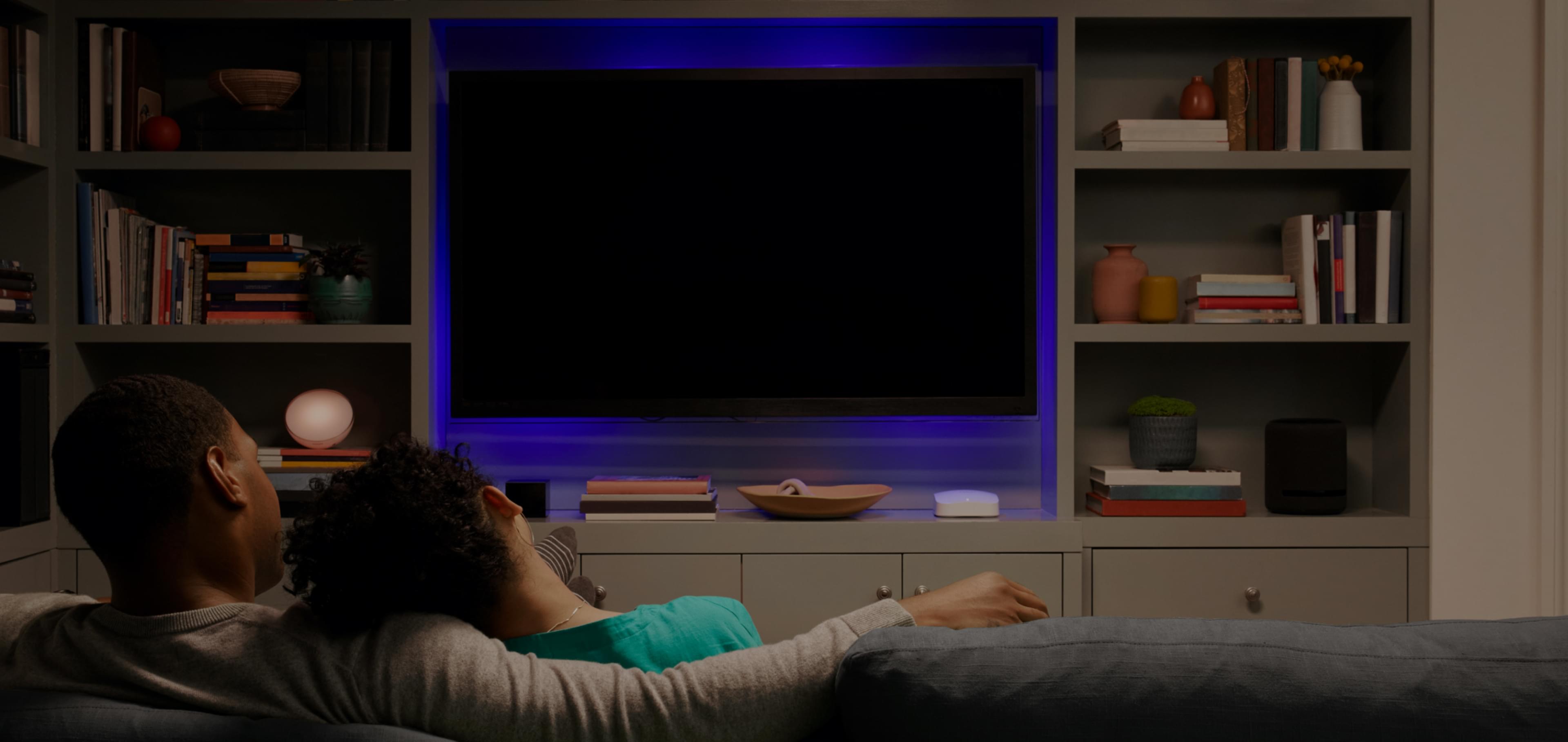
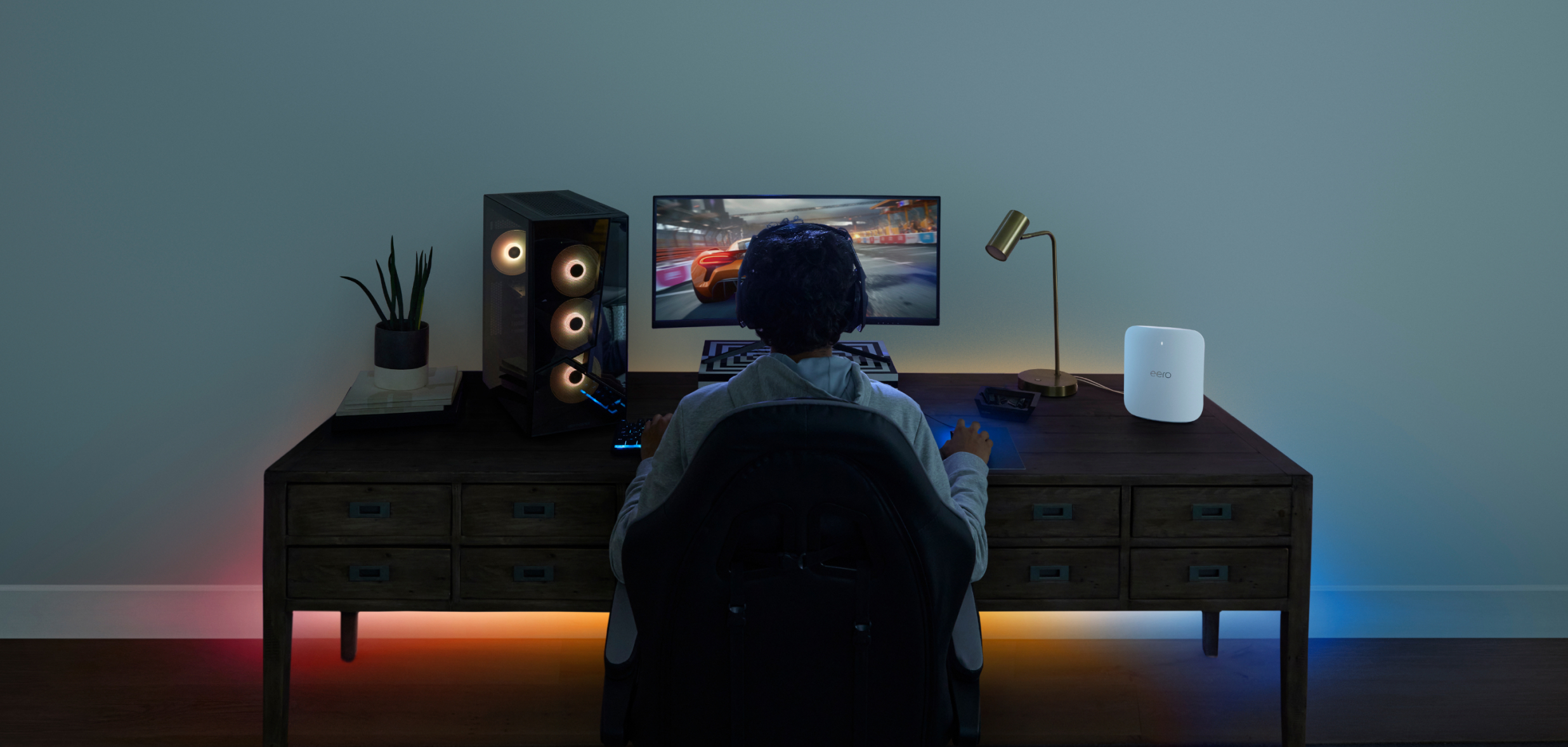
Say goodbye to dead spots and buffering eero's mesh wifi technology optimizes for your space—so you can confidently stream 4K video, game, and video conference across your home.
The way wifi should be.
Experience lightning-fast, multi-gigabit wifi in every part of your home or business.
The eero 6 systems are equipped with a built-in Zigbee smart home hub, eliminating the need for additional Zigbee hubs around the home. Featuring a built-in Zigbee smart home hub, the eero 6 systems connect compatible devices on your network with Alexa so you don't need a separate Zigbee smart home hub for each device. You will need to link your eero and Amazon accounts to use this feature.
Wi-Fi 6 is the latest wifi technology delivering faster speeds, higher performance, and better support for simultaneous device usage throughout the home.
eero uses our TrueMesh technology. TrueMesh ensures every eero connects wirelessly to every other eero in range, on both the 2.4 GHz and the 5 GHz wifi bands. This creates a dense network of connections and many possible paths for traffic to flow. So your network stays strong and is less likely to come to a crawl—even if there's wireless interference from the neighbor's baby monitor or heavy gaming traffic in the family room.
Yes, both eero 6 and eero Pro 6 are backwards compatible with prior Wi-Fi standards and most connected devices, although you will need to use a Wi-Fi 6 compatible connected device to enjoy the full benefits of the eero 6 and eero Pro 6. We do extensive and ongoing testing to ensure compatibility with prior Wi-Fi standards for older customer devices.
Comparison Chart
eero.com Subscriptions Offer TermsThese terms apply to all eero subscriptions ordered through eero.com, whether on a stand-alone basis or as part of a bundle that includes one or more eero devices. Valid only in the US. Each eero subscription ordered on eero.com will be linked to the email address entered at checkout. Free trial starts when that email address is linked to an eligible eero Account, ie an eero Account (1) with an active eero network that consists of at least one eero device (sold separately), (2) that does not have any existing eero Plus or eero for Business subscriptions, and (3) is not serviced or managed by a Service Partner (such as an ISP). To create an eero Account, download the eero app. If your order also includes an eero device(s), those can be used with a different eero Account. If you have an existing eero Account linked to the email address entered at checkout, and your order includes an eero subscription, we will automatically update the payment information associated with your eero Account to the information entered at checkout. eero products including subscriptions are subject to the eero terms, policies, and disclaimers available at eero.com/legal. To avoid the next recurring charge on your eero subscription, cancel before the next billing date by visiting account.eero.com and navigating to settings. Learn more about subscriptions purchased on eero.com.