Add a free trial of – online security and privacy, identity protection, and advanced parental controls at your fingertips.
30-day returns
Free support
Free shipping
1-year warranty
eero’s Wi-Fi 6E system enables access to the 6 GHz band
Experience network speeds up to 2.3 Gbps when using both wired (up to a gigabit) and wireless (up to 1.6 Gbps) client devices
Supports 100+ connected devices and covers up to 6,000 sq. ft.
Backward-compatible with previous-generation eero devices
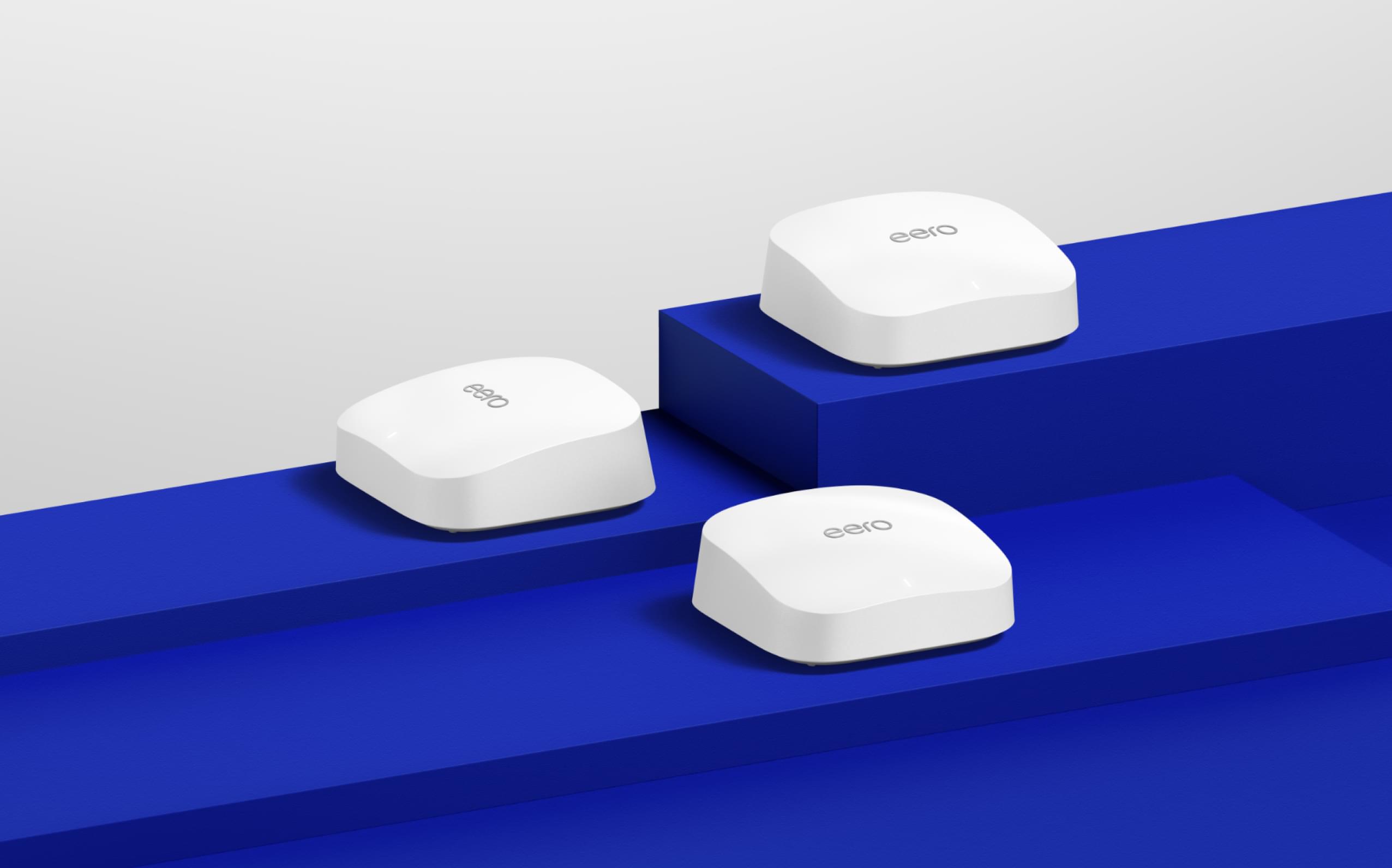
eero Pro 6E (3-pack)
$449.99
2.3 Gigabit
Supports network speeds up to 2.3 Gbps (a gigabit wired and 1.6 Gbps wireless).
Wi-Fi 6E
This wifi tech offers more bandwidth and fast speeds for more devices.
Tri-band
Access to 2.4 GHz, 5 GHz and new 6 GHz band supports wifi for 100+ connected devices.
To gigabit and beyond.
eero Pro 6E supports gigabit+ speeds for more of your wifi needs—from VR/AR and 8K streaming to using the latest Wi-Fi 6E devices. Tap into the power of Wi-Fi 6E for more capacity and lower latency than Wi-Fi 6.
Future-proof your wifi with eero Pro 6E.
A whole new "lane" for your wifi In addition to 160 MHz channel support, eero Pro 6E provides access to the 6 GHz band, which frees up the 2.4 & 5 GHz bands (on tri-band systems) to operate more efficiently.
Made for the latest Wi-Fi 6E devices eero Pro 6E supports fast speeds and direct access to the 6 GHz band when using Wi-Fi 6E devices, resulting in lower latency across your network, even for non Wi-Fi 6E devices.
Smart connectivity beyond wifi eero Pro 6E works as a smart home hub so you can control supported Thread and Zigbee devices with Alexa. It also doubles as a border router to facilitate connections with Thread-enabled devices.
The way wifi should be.
Experience lightning-fast, multi-gigabit wifi in every part of your home or business.
Details
Wifi connectivity
Wi-Fi 6E Tri-band concurrent 2:2:2 (802.11ax) with support for 160 MHz channels in 5 GHz and 6 GHz, compatible with older wifi standards
Wired connectivity
One auto-sensing 2.5 GbE and one auto-sensing Gigabit Ethernet port for WAN and/or LAN connectivity
Smart home connectivity
Amazon Frustration-Free setup, Bluetooth Low Energy 5.0, Works with Alexa
Wi-Fi 6E stands for Wi-Fi 6 Extended. Wi-Fi-6E helps clear the way for faster speeds on more devices, thanks to recently authorized access to the 6 GHz band. In addition to 160 MHz channel support, the 6 GHz band offers a whole new wifi "lane," freeing up the 2.4 & 5 GHz bands on tri-band systems to operate more efficiently, which is particularly helpful to mesh networks.
eero Pro 6E supports fast speeds and direct access to the new 6 GHz band when using Wi-Fi 6E devices, resulting in lower latency across your network, even for non Wi-Fi 6E devices.
Yes, however combining eero Pro 6E devices with older generation eero devices on the same network may result in reduced performance across your network. For optimal performance, eero recommends using the same generation eero devices across your network. In addition, you will also need to use a Wi-Fi 6 (or in Canada, Wi-Fi 6E) compatible connected device to enjoy the full benefits of the eero Pro 6E. It is important to note that in every network, you will designate one eero as a gateway by connecting it to your modem using one of the Ethernet ports on the back. eeros that can be used as a gateway are the eero, eero Pro, eero 6, eero Pro 6, eero 6+ and eero Pro 6E. Once your gateway eero is installed you may use any combination of wired and/or wireless eeros to setup the rest of your network, as desired.
eero replaces your router with a mesh-capable router to offer you a strong, reliable connection across your home. Set up in minutes and manage everything right from the app, including ongoing updates for security patches and new features. It's wifi that just…works.
Comparison Chart
eero.com Subscriptions Offer TermsThese terms apply to all eero subscriptions ordered through eero.com, whether on a stand-alone basis or as part of a bundle that includes one or more eero devices. Valid only in the US. Each eero subscription ordered on eero.com will be linked to the email address entered at checkout. Free trial starts when that email address is linked to an eligible eero Account, ie an eero Account (1) with an active eero network that consists of at least one eero device (sold separately), (2) that does not have any existing eero Plus or eero for Business subscriptions, and (3) is not serviced or managed by a Service Partner (such as an ISP). To create an eero Account, download the eero app. If your order also includes an eero device(s), those can be used with a different eero Account. If you have an existing eero Account linked to the email address entered at checkout, and your order includes an eero subscription, we will automatically update the payment information associated with your eero Account to the information entered at checkout. eero products including subscriptions are subject to the eero terms, policies, and disclaimers available at eero.com/legal. To avoid the next recurring charge on your eero subscription, cancel before the next billing date by visiting account.eero.com and navigating to settings. Learn more about subscriptions purchased on eero.com.