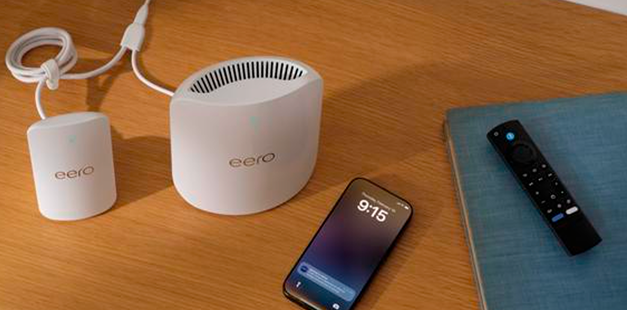
What is eero Plus?
Explore eero Plus features, including advanced security, ad blocking, content filters, VPN, and partner services.
What is eero Plus?
Explore eero Plus features, including advanced security, ad blocking, content filters, VPN, and partner services.
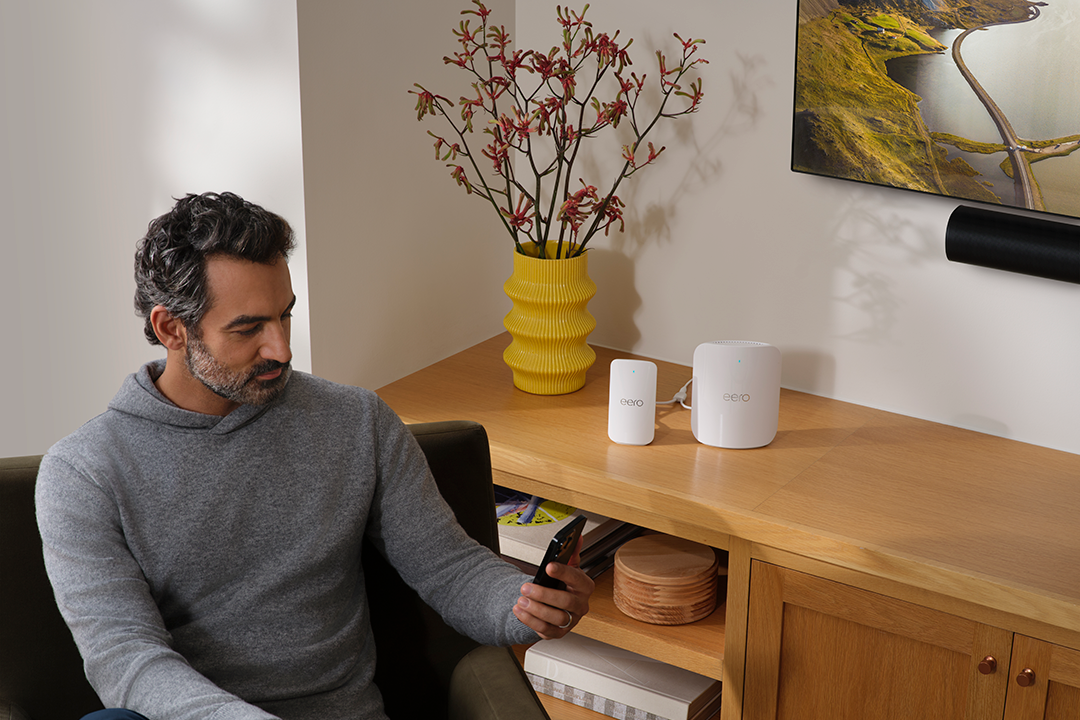
How do I sign up for and manage my eero Plus subscription?
Sign up for eero Plus, manage your subscription, and learn how to access all included features.
Learn how the eero Secure rebrand in 2022 to eero Plus affects your subscription pricing and what to expect during the transition.
Activate Malwarebytes antivirus and Identity Protection on up to 20 devices with your eero Plus subscription.
Protect your personal information with Malwarebytes Identity Protection, included with eero Plus.
Access your home network remotely with a memorable hostname using Dynamic DNS, included with eero Plus.
Enable VPN protection on your phone or tablet when you're away from home, included with eero Plus.
Set up 1Password for your family (up to 5 users) as part of your eero Plus subscription.
eero Plus Content Filters block unsuitable content for each Profile on your network.
Extend Guardian VPN protection to your Mac using your eero Plus subscription.
Monitor channel busyness, noise floor, and band usage across your eeros with this eero Plus feature.

Choose how you'd like to connect: find contact numbers, international support options, or open a ticket.