eero Signal
What is eero Signal?
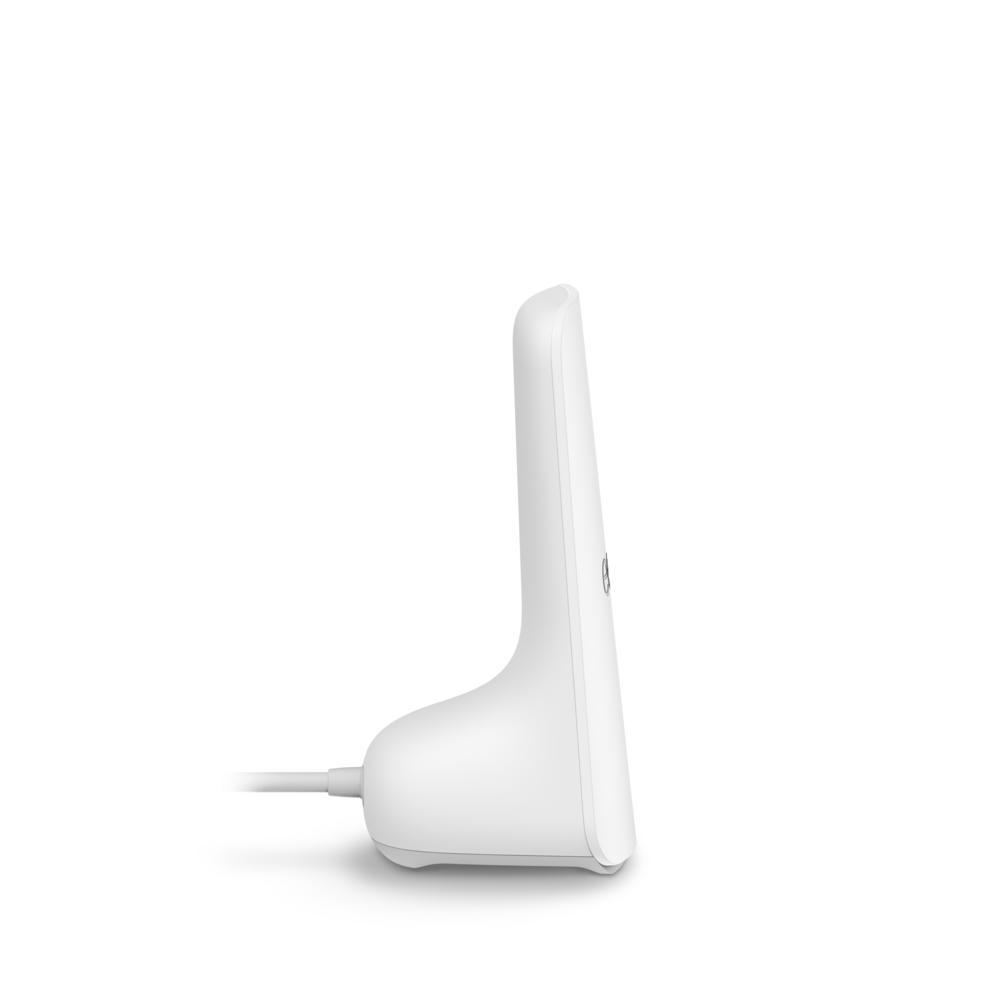
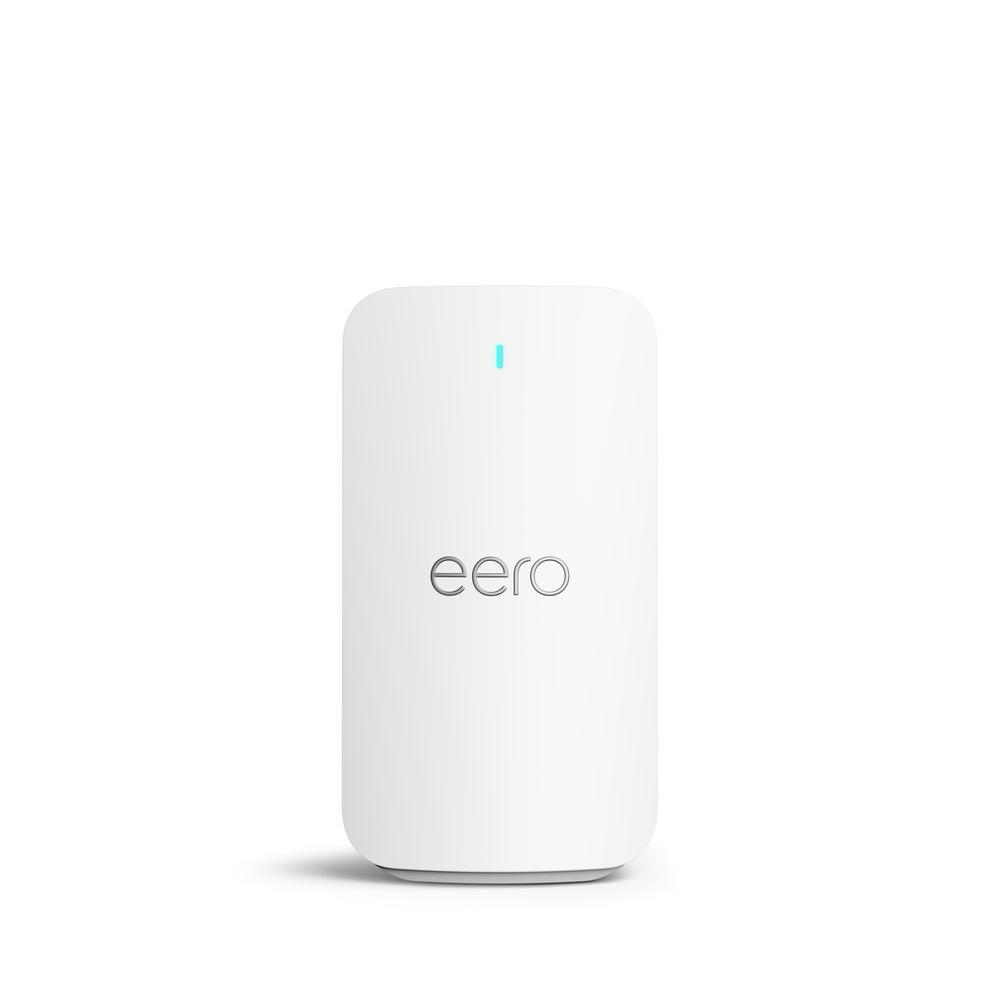
eero Signal provides dedicated cellular backup connectivity to compatible eero networks. Designed to keep your network online in the event your primary internet connection goes down, eero Signal will automatically detect an internet outage and use the best cellular backup connection available through an included multicarrier eSIM. No need to set up a carrier, it finds the right network for your location.
eero Signal requires a data plan to enable backup connectivity, available through an annual eero Plus. eero Signal can only be used for backup connectivity at a single location and requires an existing primary internet connection.
eero Signal is available in 4G LTE and 5G RedCap options and sets up in minutes. The eero app guides you through setup and allows you to manage your network from anywhere. If you're looking to set up eero Signal, see How do I set up eero Signal?
How does eero Signal work?
Your network will automatically switch to eero Signal in a WAN (primary internet) outage.
All eero hardware in the network will indicate aqua (blue-green) on their LEDs while on backup.
Service status will be displayed in the eero app on the home screen.
You will receive a push notification on the phone associated with the account to alert that you are using backup data.
A second notification will display when the WAN (primary internet) returns and data is no longer being used.
You will be notified via notification if you run out of data, and will have the ability to purchase more if needed in the app.
Note: eero Signal cannot be used with a bridged eero network. To utilize eero Signal, make sure your network is in NAT mode.
What eero devices is eero Signal compatible with?
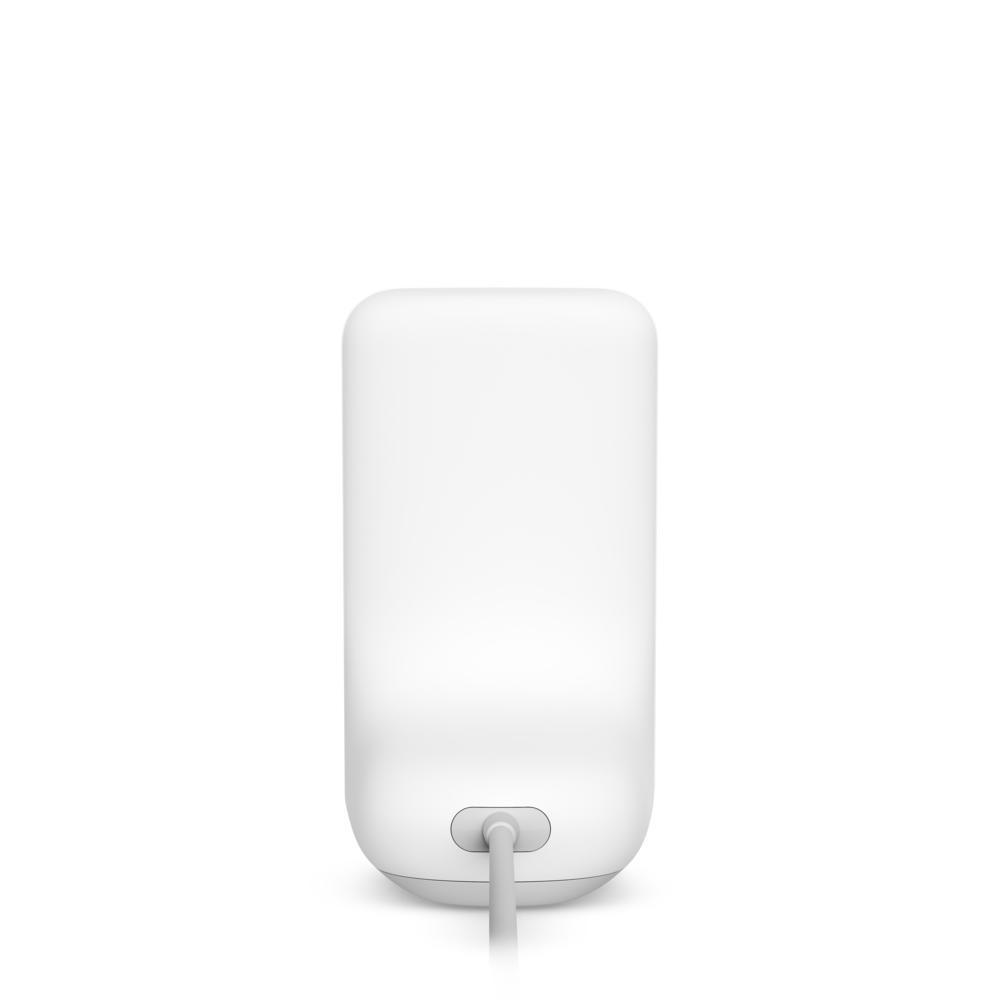
eero Signal will work with any of the following eeros, provided they are powered via USB-C:
eero 6
eero 6 Extender
eero Pro 6
eero 6+
eero Pro 6E
eero PoE 6*
eero 7
eero Pro 7
eero Max 7
eero PoE 7*
eero PoE Gateway
*Must be powered via USB-C
Note: eero Signal requires an annual eero Plus subscription.
I have ISP provided eeros, can I use eero Signal purchased on eero.com or amazon.com?
If you have eeros provided by your ISP, please reach out to your ISP for purchasing options for eero Signal.
Hardware Specifications
eero Signal can be connected to any USB-C-powered eero on a network that supports Wi-Fi 6 and up. eero Signal produces no wifi signal of its own. It can be placed wherever there is a compatible eero, giving you the flexibility to choose the location with the best cell service. Available in both 4G LTE and 5G RedCap options, eero Signal is easy to set up in just a few minutes. The eero app guides you through setup and allows you to manage your network from anywhere. See more about setting up eero Signal: eero Signal Setup Guide
eero Signal (4G LTE)
Model Number | RG4U; RG4W |
|---|---|
Cellular Antenna | 4G LTE CAT 4 2x2 MIMO (DL) 1x1 MIMO (UL) |
Power | USB-C eero 45W power supply unit 100-240V AC, 50/60 Hz 27W eero power supply may be used when adding eero Signal to an eero 6, eero 6+, or eero 7 |
In the box | eero Signal, AC adapter Y-splitter, 45 Watt AC adapter |
Size | 2.78 in x 3.09 in x 5.68 inches (70.8 mm x 78.5 mm x 144.3 mm) |
Warranty | 3-year Warranty |
eero Signal (5G RedCap)
Model Number | RG5W |
|---|---|
Cellular Antenna | 5G RedCap 4G LTE CAT4 2x2 MIMO (DL) 1x1 MIMO (UL) |
Power | USB-C eero 45W power supply unit 100-240V AC, 50/60 Hz 27W eero power supply may be used when adding eero Signal to an eero 6, eero 6+, or eero 7 |
In the box | eero Signal, AC adapter Y-splitter, 45 Watt AC adapter |
Size | 2.78 in x 3.09 in x 5.68 inches (70.8 mm x 78.5 mm x 144.3 mm) |
Warranty | 3-year Warranty |
What’s the difference between the 4G LTE and 5G RedCap versions?
Both the 4G LTE and 5G RedCap versions of eero Signal provide backup internet during outages. The 5G version can operate on both 5G RedCap and 4G LTE networks, providing broader network technology compatibility and longer-term support as carriers continue investing in and expanding 5G infrastructure. In areas where 5G RedCap isn't yet available, eero Signal 5G will automatically use 4G LTE networks. While some customers in certain areas may experience speed advantages with 5G RedCap, in most cases, you'll experience similar backup speeds with either version. The 4G LTE version provides the same core backup functionality at a more affordable price. Performance will vary based on cellular coverage in your location. Think of either version as a backup generator for your wifi - designed to keep you connected during internet outages until your primary service is restored rather than match your primary internet speeds.
Do I need a subscription to use eero Signal?
Yes, eero Signal requires a backup data plan through an annual eero Plus, eero Plus 100, or eero Business subscription.
New eero Signal purchases include a 6-month eero Plus subscription. To activate, enter your credit card information during setup. Your subscription automatically renews at $99.99 per year.
If you don't have an eero Plus subscription when connecting eero Signal, you'll be prompted to purchase one during setup.
What's included with eero Plus?
Annual eero Plus subscribers receive up to 10 GB of backup data per year during internet outages. This amount works well if you experience a few short outages annually.
What's included with eero Plus 100?
For customers who experience frequent outages and need more backup data, eero Plus 100 provides up to 100 GB of backup data per month during internet outages.
You can upgrade to eero Plus 100 for 50% off ($99) during setup or anytime in your first year. Your subscription automatically renews at $199 per year after that.
What’s included with eero Business?
eero Business subscribers receive up to 100 GB of backup data per month during internet outages. For more information on eero Business, visit What is eero Business?
What if I already have an eero Plus subscription?
eero Signal is compatible with existing annual eero Plus subscription plans purchased via account.eero.com and via the eero app, allowing subscribers to take advantage of backup wifi at no additional cost. Monthly subscription plans can be converted into annual subscription plans in the eero app.
At this time, monthly subscription plans are incompatible with eero Signal.
Upgrading an existing eero Plus subscription to eero Plus 100 can be done via the eero app or via account.eero.com.
Frequently Asked Questions

Get the support you need
Choose how you'd like to connect: find contact numbers, international support options, or open a ticket.