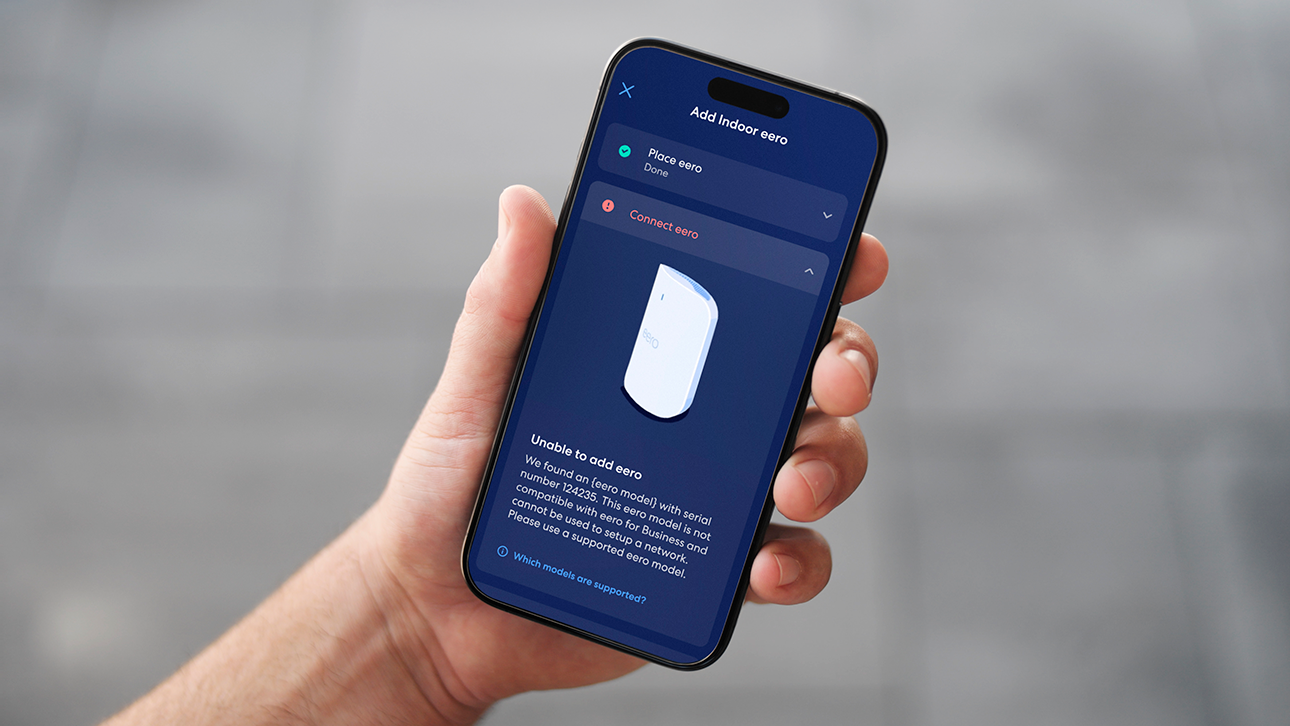
Why does my eero app say "Cannot connect to the internet"?
Troubleshoot the "Cannot connect to the internet" message by checking your modem, cables, and ISP status.
Why does my eero app say "Cannot connect to the internet"?
Troubleshoot the "Cannot connect to the internet" message by checking your modem, cables, and ISP status.
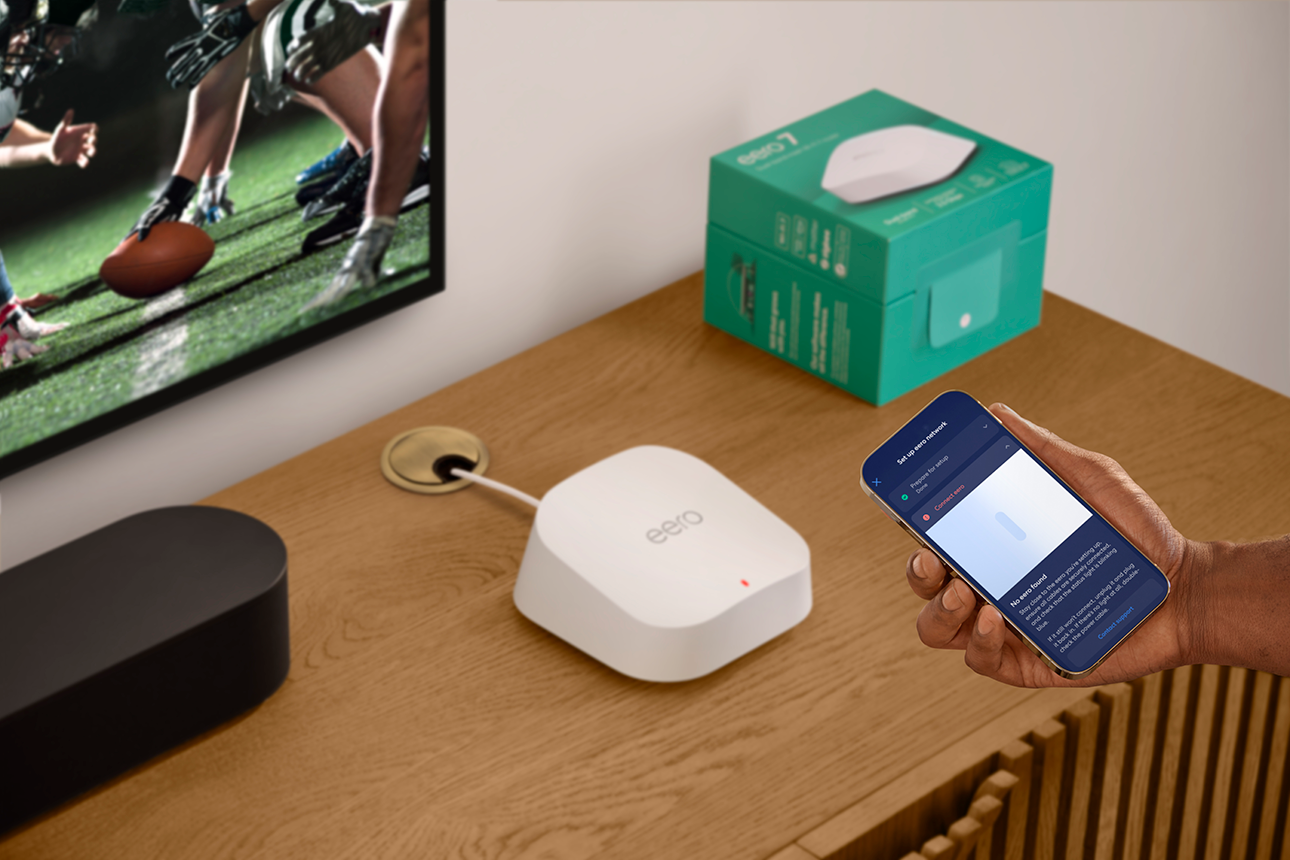
Why does my eero app say "No eero found"?
Troubleshoot the "No eero found" message during setup by bringing your phone closer and checking Bluetooth.
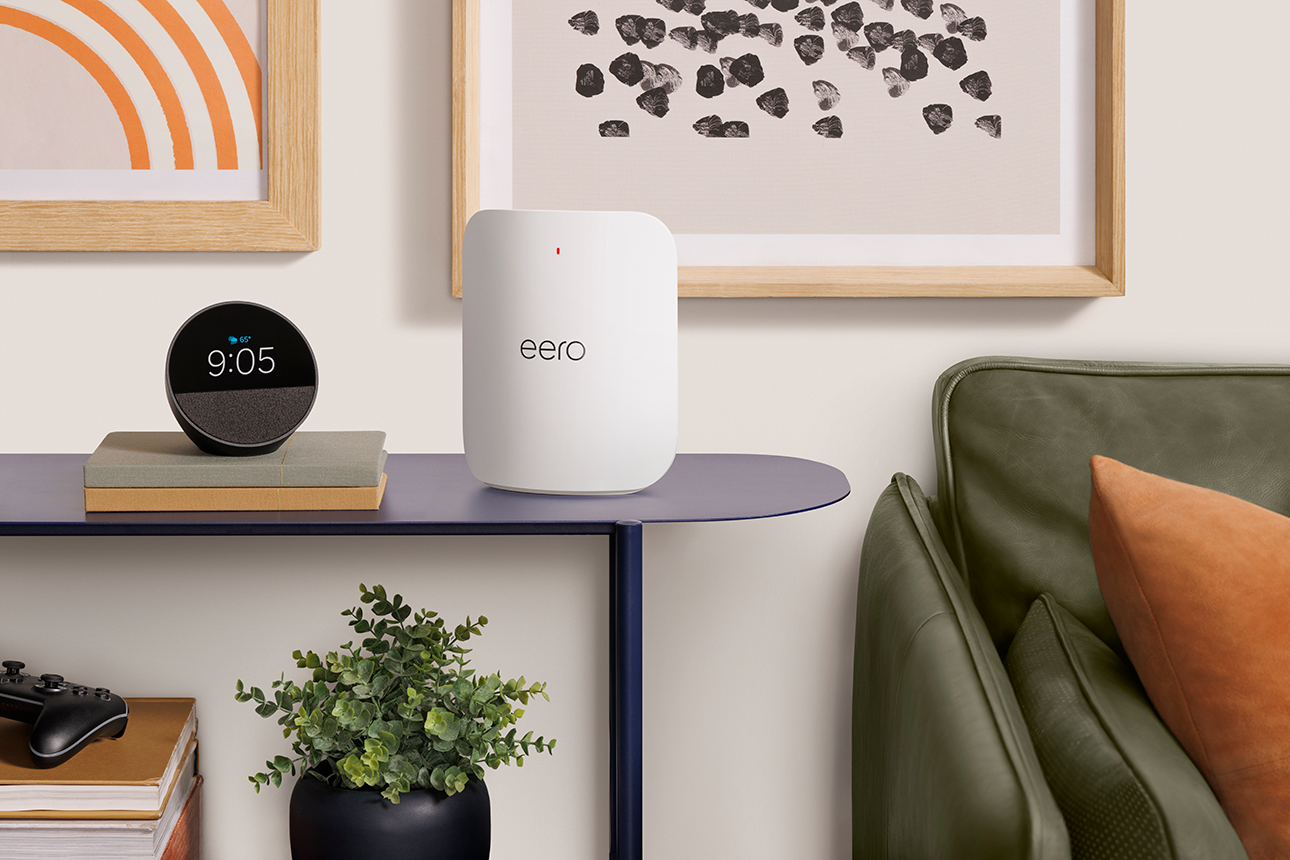
Why does my eero have a red LED?
Troubleshoot a red LED on your eero and find the steps to help get it back online.
What should I do if my eero network is offline?
Walk through troubleshooting steps when your entire eero network goes offline, from cable checks to ISP issues.

Why is my entire eero network slow?
Diagnose and troubleshoot network-wide slow wifi across your entire eero network.
Why are my speeds slow in one area or on one device?
Diagnose and troubleshoot slow wifi in a specific area of your home.

Why is my device offline?
Troubleshoot a device that's showing as offline on your eero network.
How do I resolve wifi network conflicts?
Troubleshoot wifi network conflicts that happen when your eero network shares a name with another nearby network.

Choose how you'd like to connect: find contact numbers, international support options, or open a ticket.