Why does my eero app say "Cannot connect to the internet"?
Troubleshoot the "Cannot connect to the internet" message by checking your modem, cables, and ISP status.
Why does my eero app say "Cannot connect to the internet"?
Troubleshoot the "Cannot connect to the internet" message by checking your modem, cables, and ISP status.
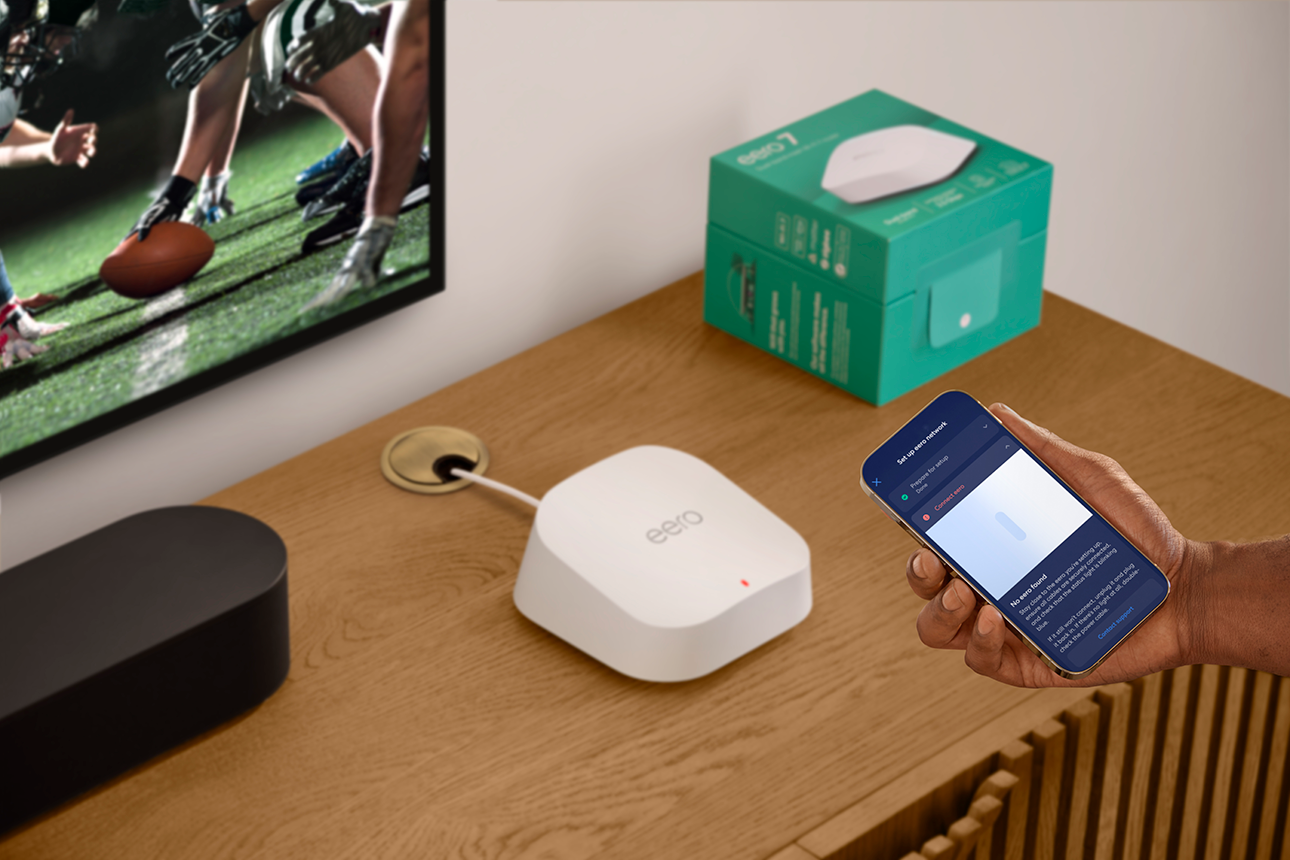
Why does my eero app say "No eero found"?
Troubleshoot the "No eero found" message during setup by bringing your phone closer and checking Bluetooth.
Troubleshoot this setup message and the steps to help update your network and add your new eero.
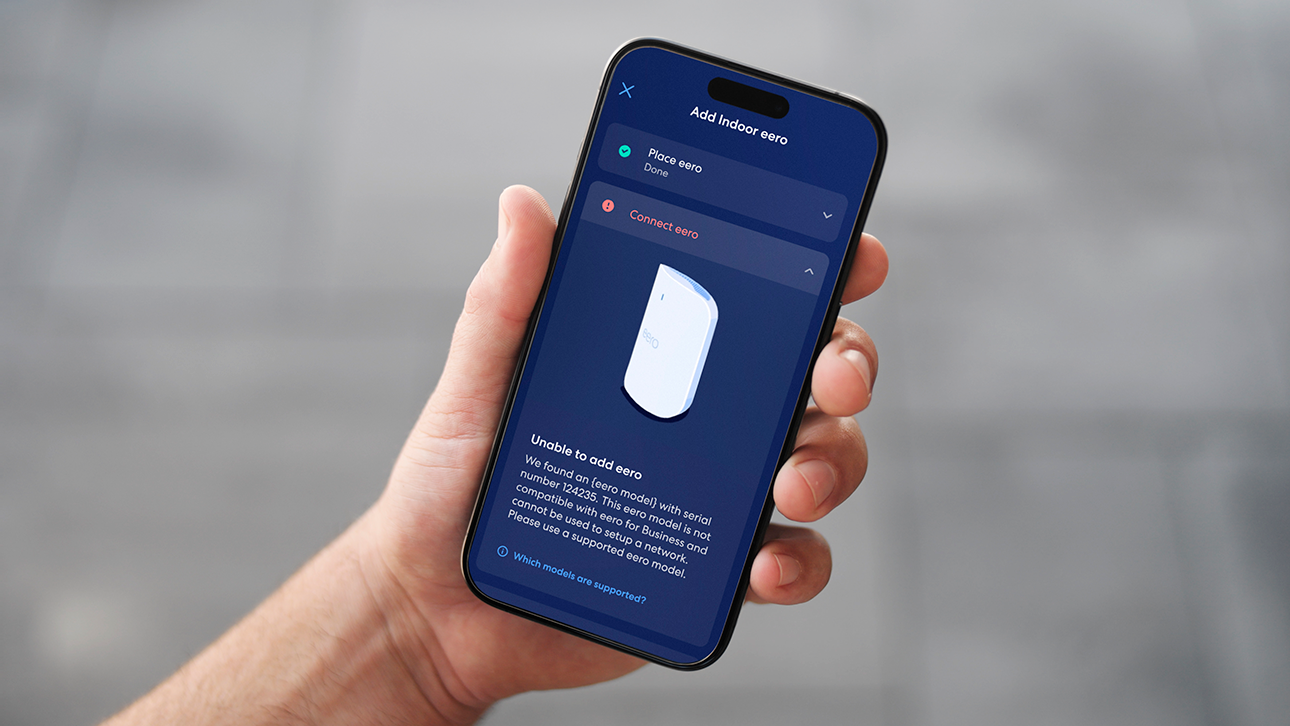
Learn why the eero app shows "Unable to add eero" and how to help resolve it.
Learn what the "Already registered" message means in the eero app and how to resolve it.
Learn what the "Multiple eeros found" message means when multiple units are powered on and detected by the app at once.
Troubleshoot the "We couldn't detect a mobile connection" message on wifi-only tablets or devices without cell data.
Grant the eero app Bluetooth permissions on iOS or Android so it can communicate during setup.
Turn on Bluetooth on your device so the eero app can find and set up your eero.
Fix the "looking for devices" issue on Android 13 caused by Bluetooth changes affecting eero setup.
Replace your Gateway eero with a new one or swap it with another eero already on your network.
Take your eero system to your new home. Just plug it into your modem once internet is active.
Find out why eeros without Ethernet ports require another eero on the network to function.
Understand why your gateway eero needs Ethernet ports and which eero models can fill that role.
Troubleshoot eero Built-in setup failures caused by outdated firmware, unlinked accounts, or device placement.
Understand why eero setup needs a mobile data connection and how to work around it if you don't have one.

Choose how you'd like to connect: find contact numbers, international support options, or open a ticket.