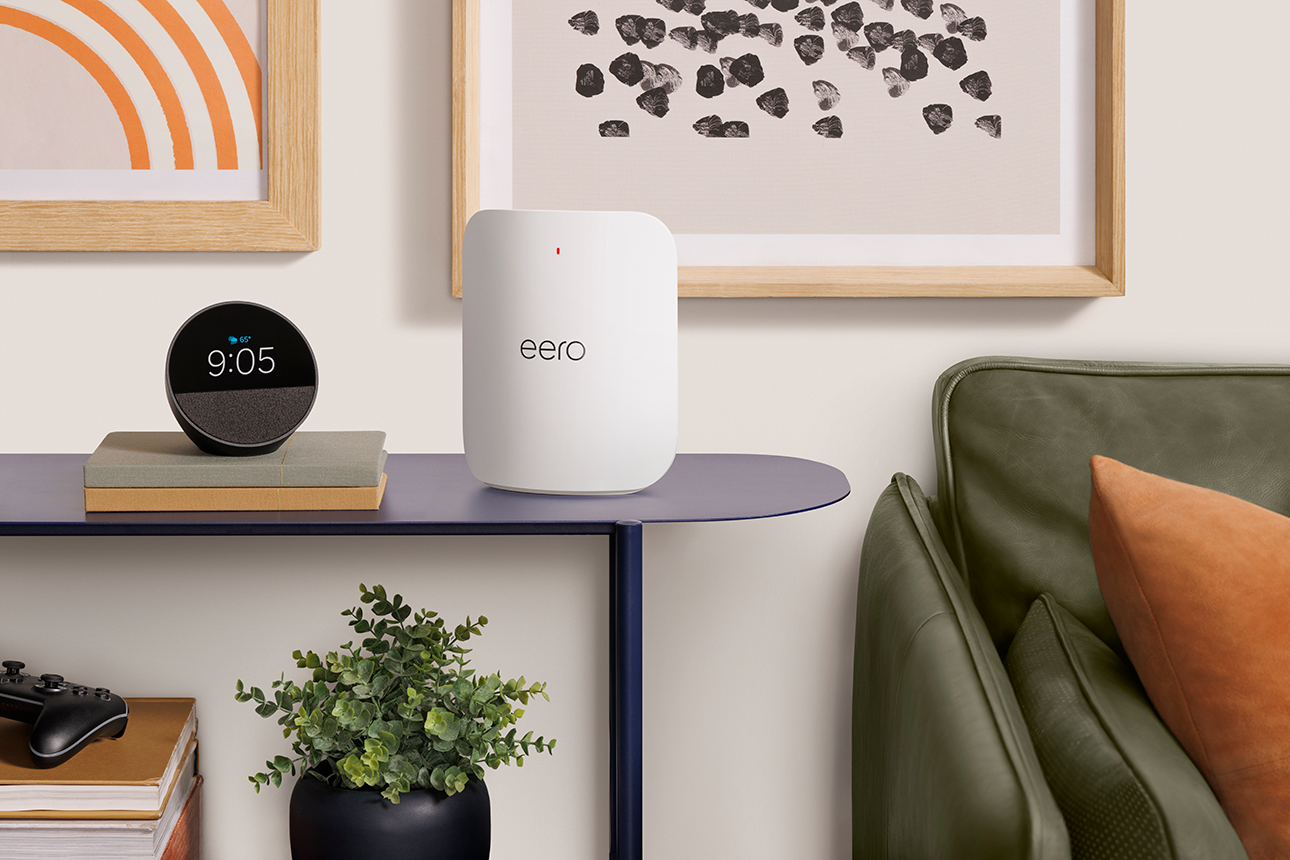
Why does my eero have a red LED?
Troubleshoot a red LED on your eero and find the steps to help get it back online.
Why does my eero have a red LED?
Troubleshoot a red LED on your eero and find the steps to help get it back online.
What should I do if my eero network is offline?
Walk through troubleshooting steps when your entire eero network goes offline, from cable checks to ISP issues.
Troubleshoot your eero Signal cellular backup device if it's not connecting or switching over properly.
Troubleshoot an eero with a solid white light that isn't providing internet to your devices.
Troubleshoot a flashing yellow LED on your eero and the steps to help resolve power-related issues.
Troubleshoot a flashing blue LED, which means your eero is searching for an internet connection.
Figure out why your eero's LED is off and how to turn back on in the app.
Set up a mobile hotspot or nearby wifi network as a cellular backup internet source, with steps for iOS and Android.
Keep your network online during internet outages by automatically connecting to a mobile hotspot or nearby wifi.
Reboot, soft reset, or factory reset your eero through the app or using the physical reset button.

Choose how you'd like to connect: find contact numbers, international support options, or open a ticket.