
How do I set up PPPoE on my eero network?
Learn what PPPoE is, whether your ISP requires it, and how to configure it on your eero network.
How do I set up PPPoE on my eero network?
Learn what PPPoE is, whether your ISP requires it, and how to configure it on your eero network.
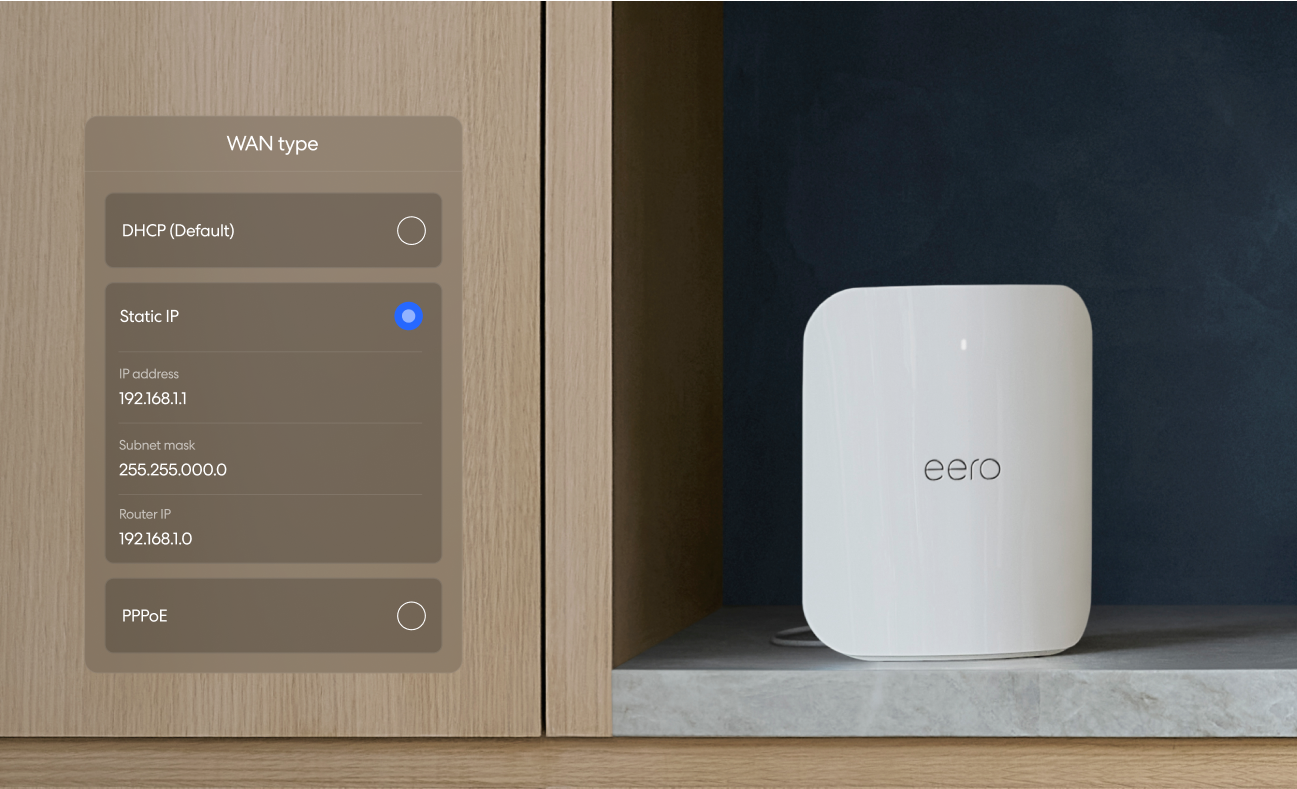
What is a static IP address?
Find out what a static IP is, whether your ISP requires one, and how to configure it on your eero network.
Find out if your ISP requires MAC address registration and how to locate your eero's MAC address.
Set up the eero Telephone Adapter to connect your landline phone to your eero network.
Learn how to set up eero Signal on a new or existing network.
Mount, hardwire, and configure your eero PoE 7 with detailed installation instructions and power requirements.
Configure eero with Australian ISPs across FTTP, FTTC, FTTB, and HFC NBN connection types.
Integrate Control4 home automation with your eero network using an unmanaged switch.
Learn how to set up eero with Telstra NBN by configuring your modem settings and connecting eero as your router.
Learn how to set up eero with Vodafone UK using Double NAT or bridge mode, since Vodafone devices don't support bridge mode or modem-only mode.
Learn how to set up eero with Virgin Media by putting your Virgin Hub in bridge mode (modem-only mode).
Learn how to set up eero with Verizon Fios based on your service type.
Learn how to set up eero with TalkTalk using a G.fast modem or fibre connection box (ONT).
Learn how to set up eero with Sky using Double NAT, Bridge mode, or PPPoE (Ireland only).
Learn how to set up eero with EE using Double NAT or Bridge mode.
Learn how to set up eero with BT using Double NAT or bridge mode, based on your BT services.
Set up eero with AT&T U-verse using IP passthrough or bridge mode to work alongside AT&T's required equipment.
Learn how to set up eero with UK and Irish ISPs including Sky, TalkTalk, BT, Virgin Media, Vodafone, and EE.
Understand Point-to-Point connections and how eero Outdoor 7 uses P2P to cover long distances wirelessly.
Install your eero PoE Gateway, an 8-port PoE switch with two 10 GbE uplinks, and configure it in the eero app.
Mount, hardwire, and configure your eero PoE 6 with step-by-step installation instructions.
Learn how Power over Ethernet works, which eero models support it, and what PoE standards you need.
Learn how to configure advanced ISP settings on your eero network, including Static IP, VLAN tagging, and PPPoE.
Configure your eero for European ISPs, including PPPoE, VLAN tagging, and other regional requirements.
Turn a compatible Echo device into a wifi extender for your eero network with eero Built-in.
Install your eero Outdoor 7 on various surfaces with tool lists, mounting steps, and wiring instructions.

Choose how you'd like to connect: find contact numbers, international support options, or open a ticket.